Polaroid photo maker: turn one photo into a framed PNG
Give a photo a classic instant-photo border with room for a caption. Choose white, cream or black, then download the finished PNG.
One JPG, PNG or WebP, up to 20 MB and 20 megapixels.
Your result will appear here.
What does this Polaroid photo maker do?
It adds a classic instant-photo frame to one JPG, PNG or WebP. The top and sides have an even border, and the bottom is three times wider to make room for a caption. The PNG keeps the shape of your photo, whether it’s square, portrait or landscape.
Instant photo frame examples
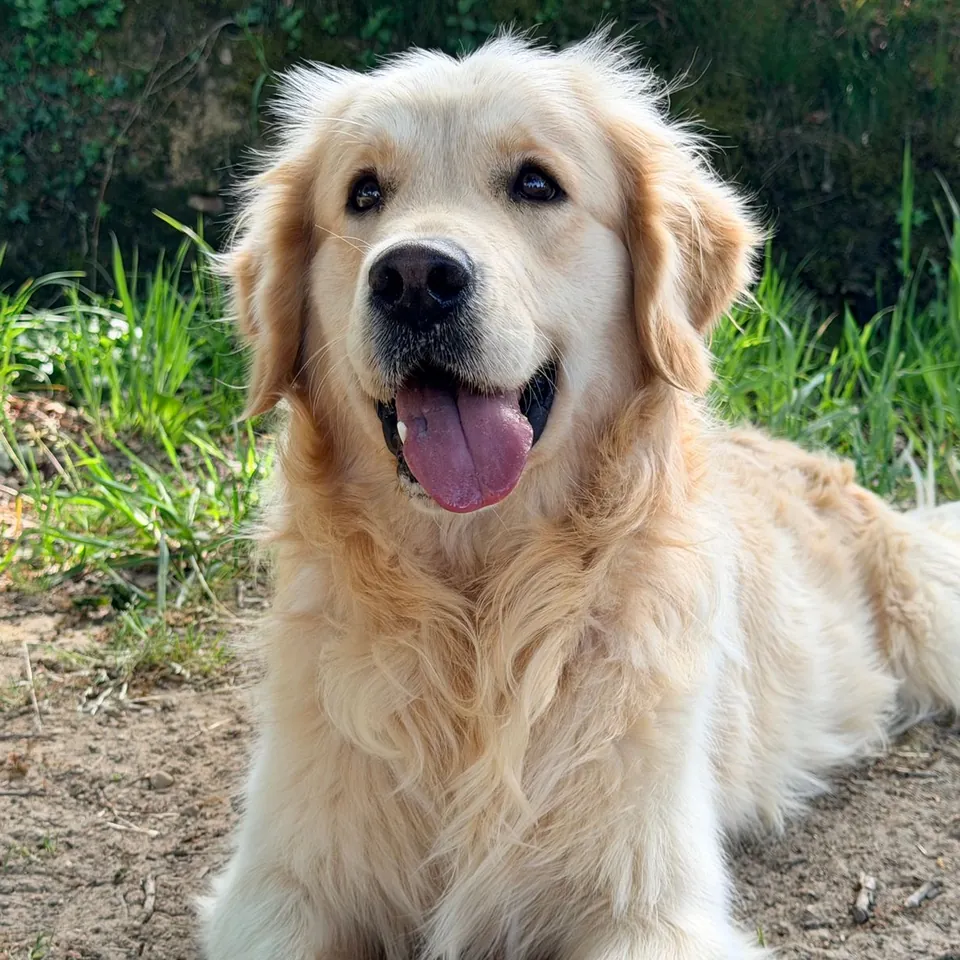
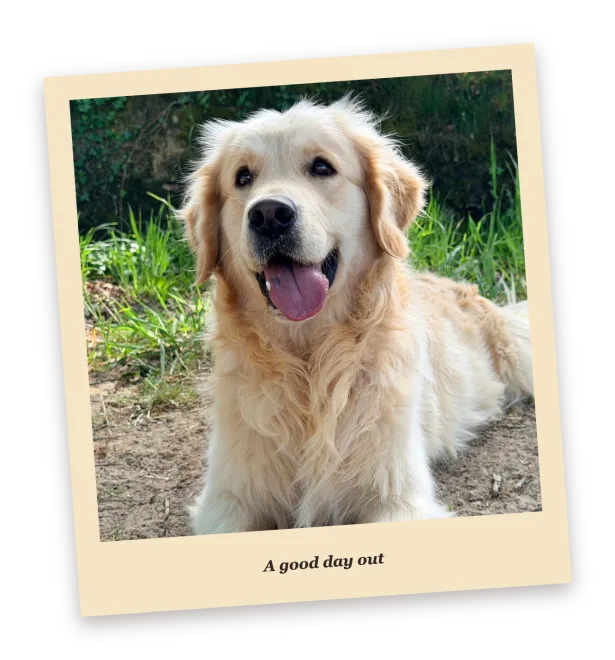
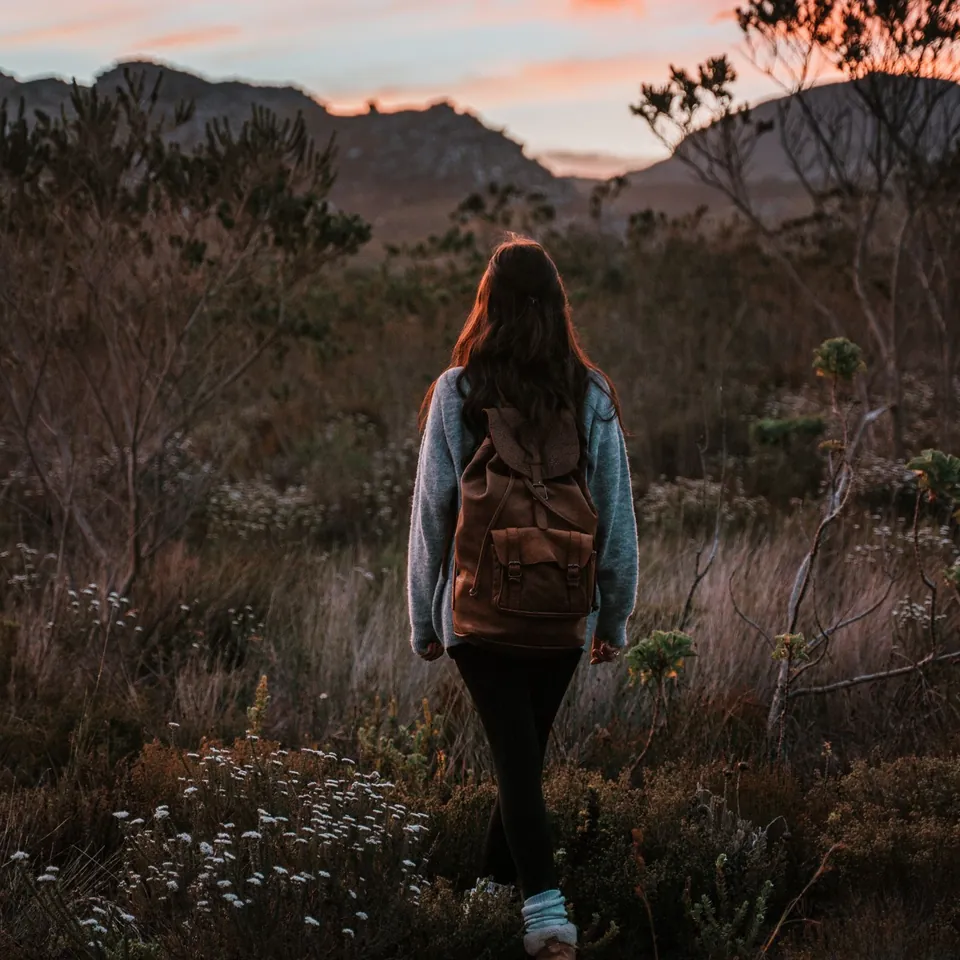
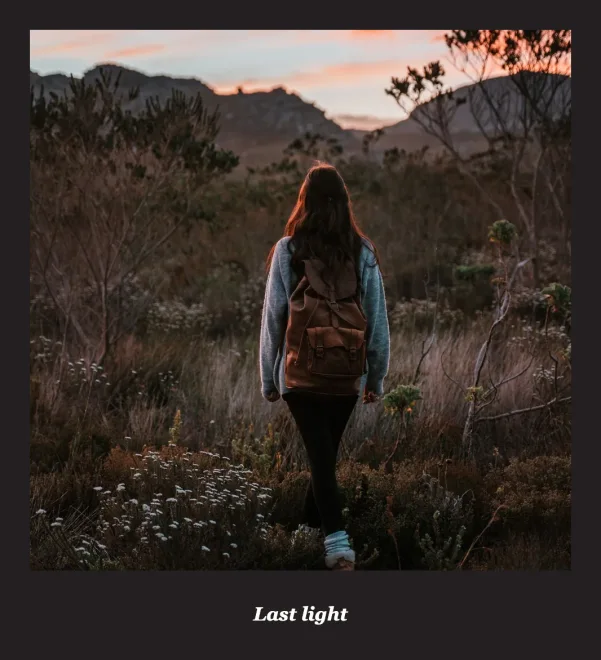
How to use the Polaroid photo maker
Choose one JPG, PNG or WebP up to 20 MB and 20 megapixels.
Pick one of three frame colors and write an optional caption of up to 40 characters. Turn on the 4° tilt or toggle the soft shadow.
Choose Make framed PNG, check the preview and download it. Photos above 1,600 px on the long edge are scaled before the frame is added.
More photo tools
Instant photo questions
Is the instant photo frame maker free?
Yes. You can preview and download PNGs for free, with no account, credits or watermark.
Is this an official Polaroid tool?
No. PhotoToGIF is independent and is not affiliated with, endorsed by, or sponsored by Polaroid.
Do you upload my photo?
No. A worker in your browser reads the file, draws the frame and makes the PNG. Download it before closing the page.
Will my photo be cropped to a square?
No. The frame follows your photo’s aspect ratio. The tool scales the image only if its longest edge is above 1,600 px.
Can I leave the caption blank?
Yes. Leave the field empty for a plain border, or enter up to 40 characters to place text in the bottom margin.
What happens outside the tilted frame?
The PNG keeps the area outside the frame transparent, with a soft shadow there if you switch it on.