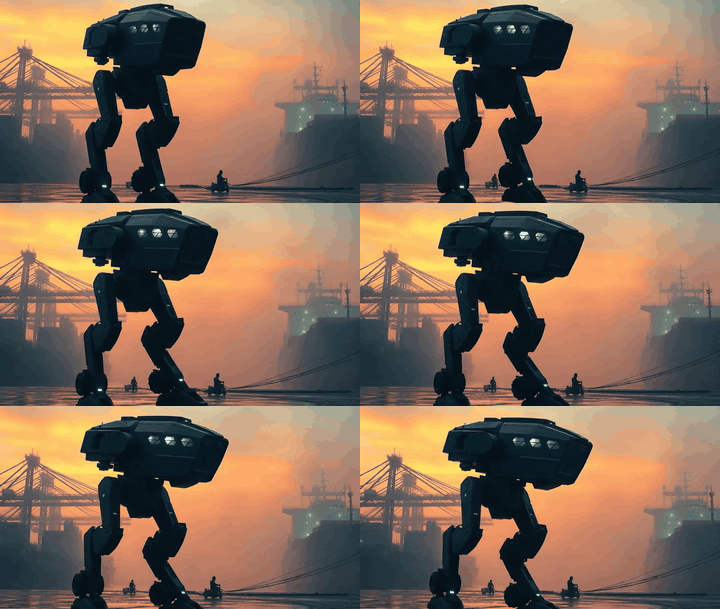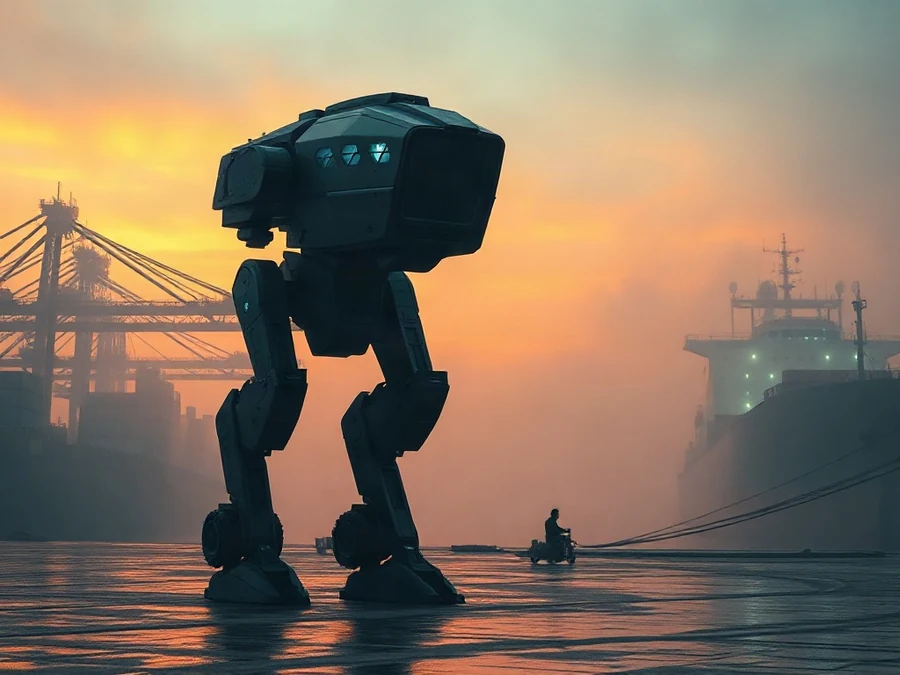
sci fiMech Robot at Harbor Dusk
Download GIFMake one photo move with AI: upload it and describe the motion.Make a photo move with AI.
Try AITurn your photos into an animated GIF, free and right in your browser. Add a smooth fade, text and a loop, then download it. No sign-up, and your photos stay on your device. Want one photo to really move? Try AI animation.Turn photos into a GIF, free in your browser.
JPG, PNG or WebP · up to 24 photos
Your GIF will appear here.
A still photo, then the GIF
The AI generator is not for animating photos of real people.
AI GIFs are 16:9 landscape; tall photos are center-cropped.
These settings use 10 credits. Sign in to see your balance.
Credits are spent when a job is accepted. Eligible failed jobs return credits unless you delete the job. Returned credits are not cash. Credit rules · Make a GIF from multiple photos · My GIFs
JPG, PNG, or WebP, up to 4 MB and 16 megapixels. The GIF is made in this browser from the MP4. My GIFs keeps it private for 30 days.
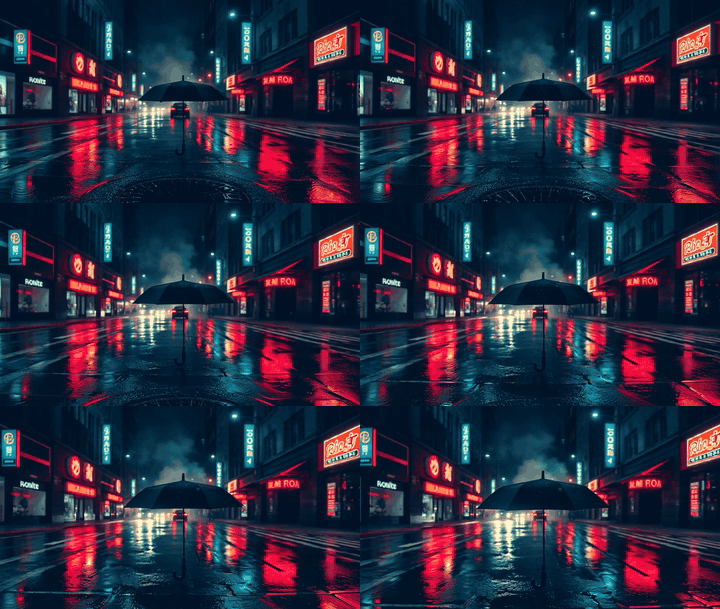
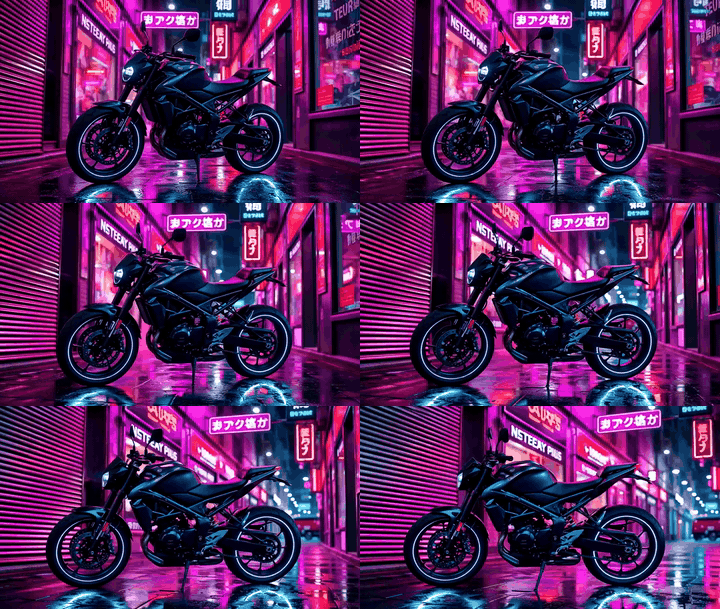
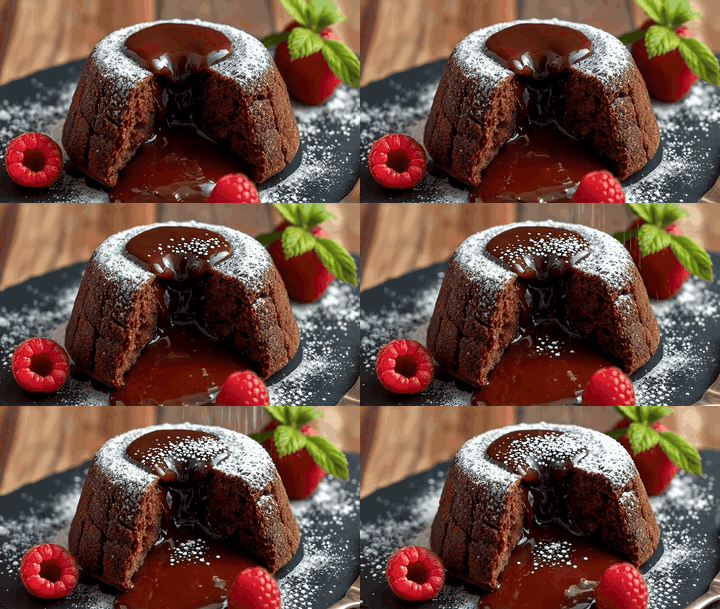
The still shows first. A tile plays while it is on screen. If motion is reduced, tap a tile to play it. Download GIF saves that scene.
sci fiMech Robot at Harbor Dusk
Download GIF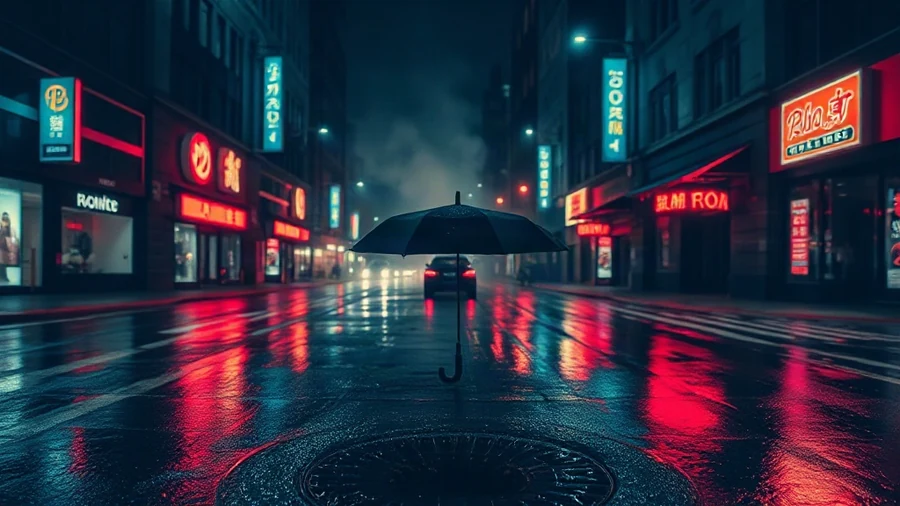
urbanRainy Noir Street
Download GIF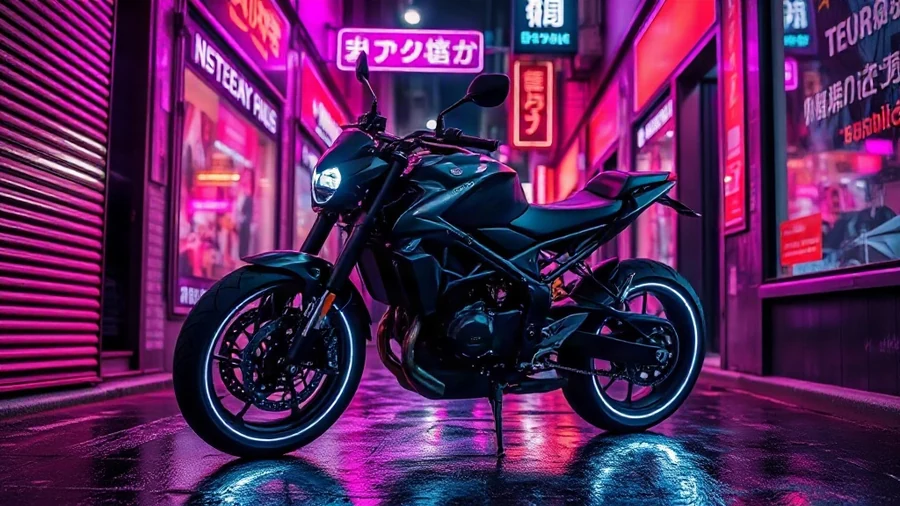
sci fiCyberpunk Motorbike
Download GIF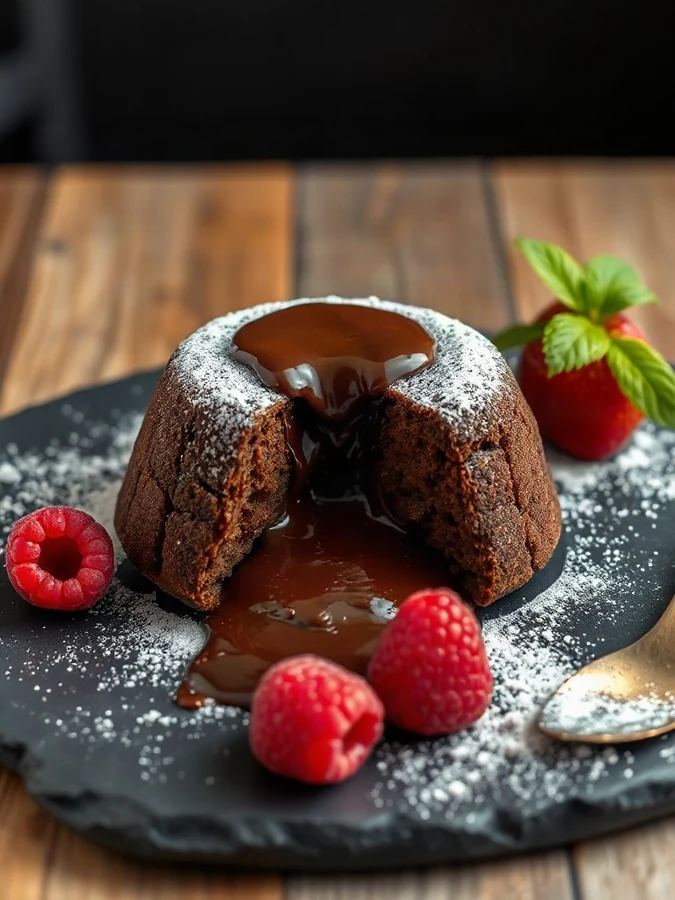
foodMolten Chocolate Cake
Download GIF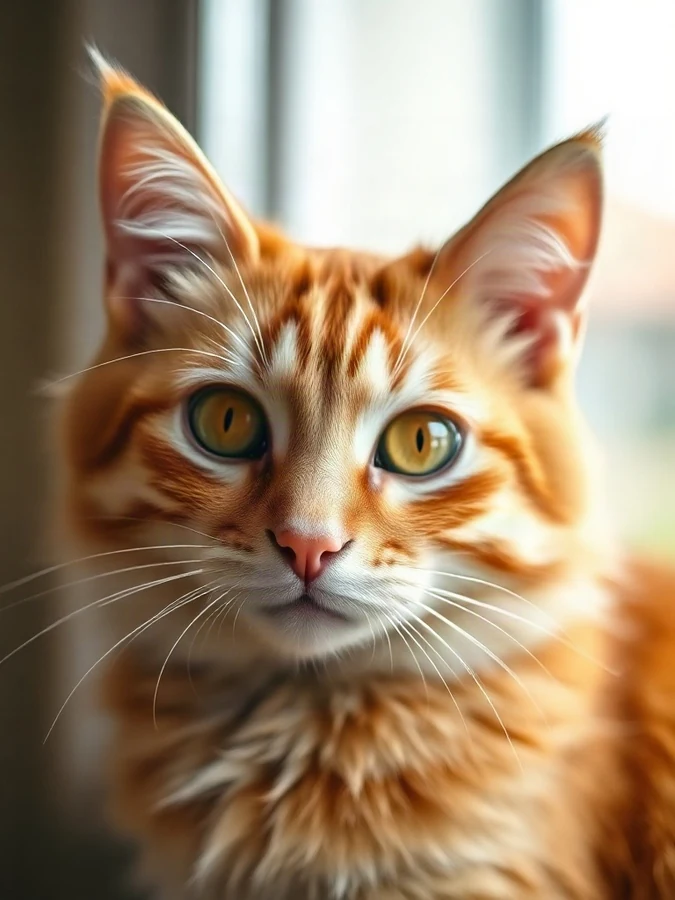
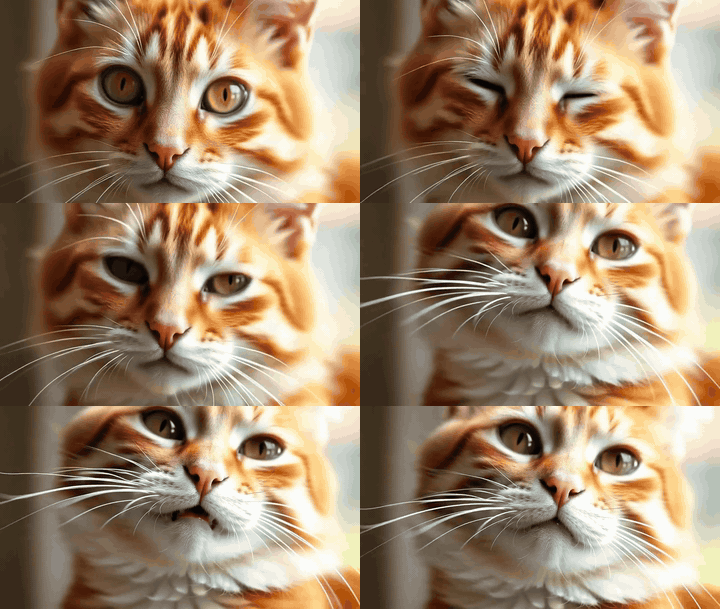
animalsFluffy Cat Close-Up
Download GIF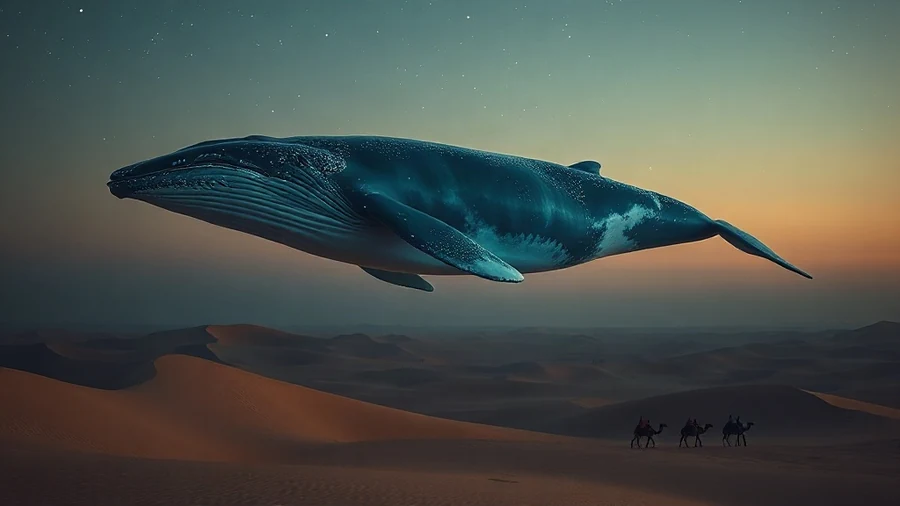
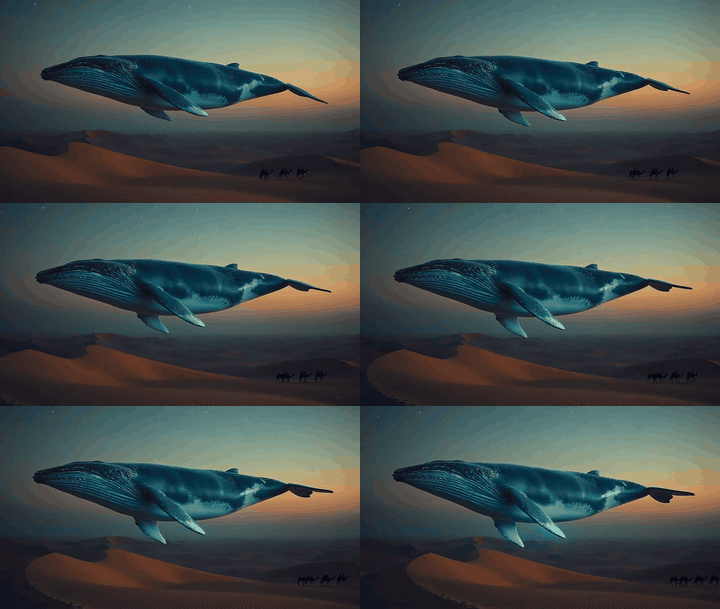
fantasyDesert Sky Whale
Download GIF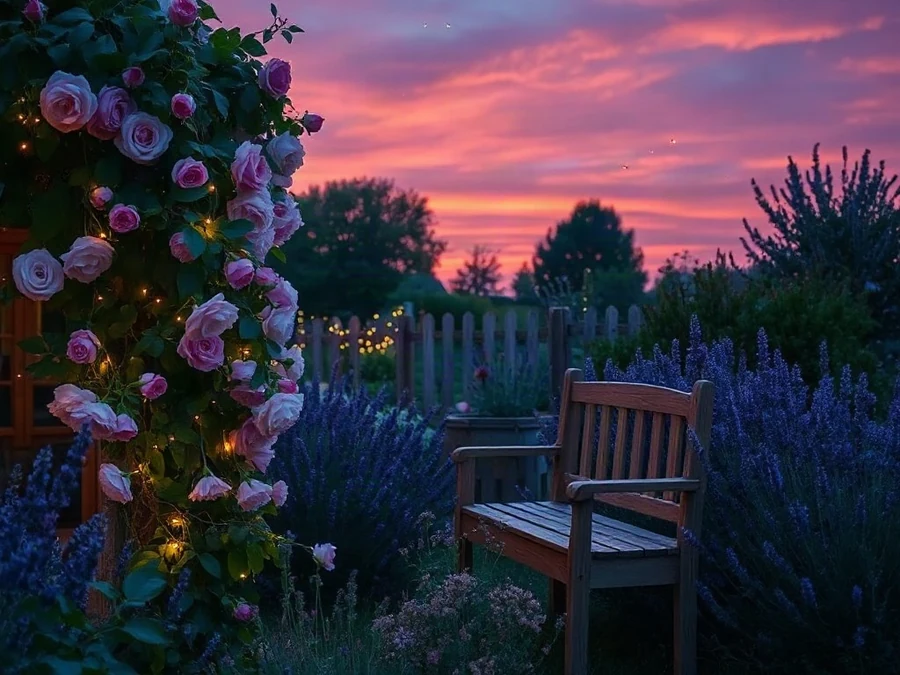
lifestyleCozy Garden at Dusk
Download GIFA still, then the same scene in motion. The preview plays as video. Download GIF saves the GIF of that scene.
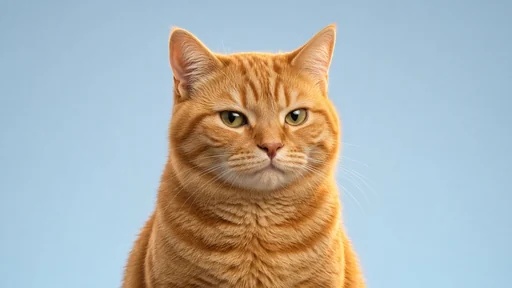
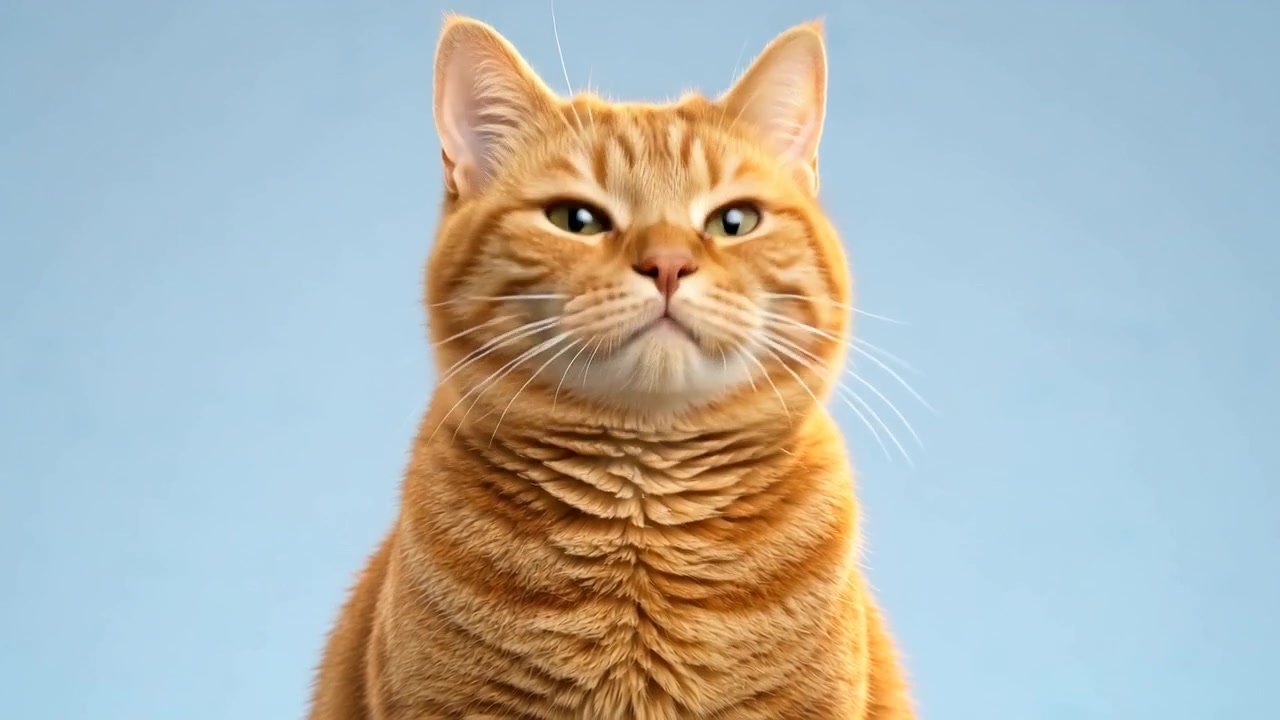
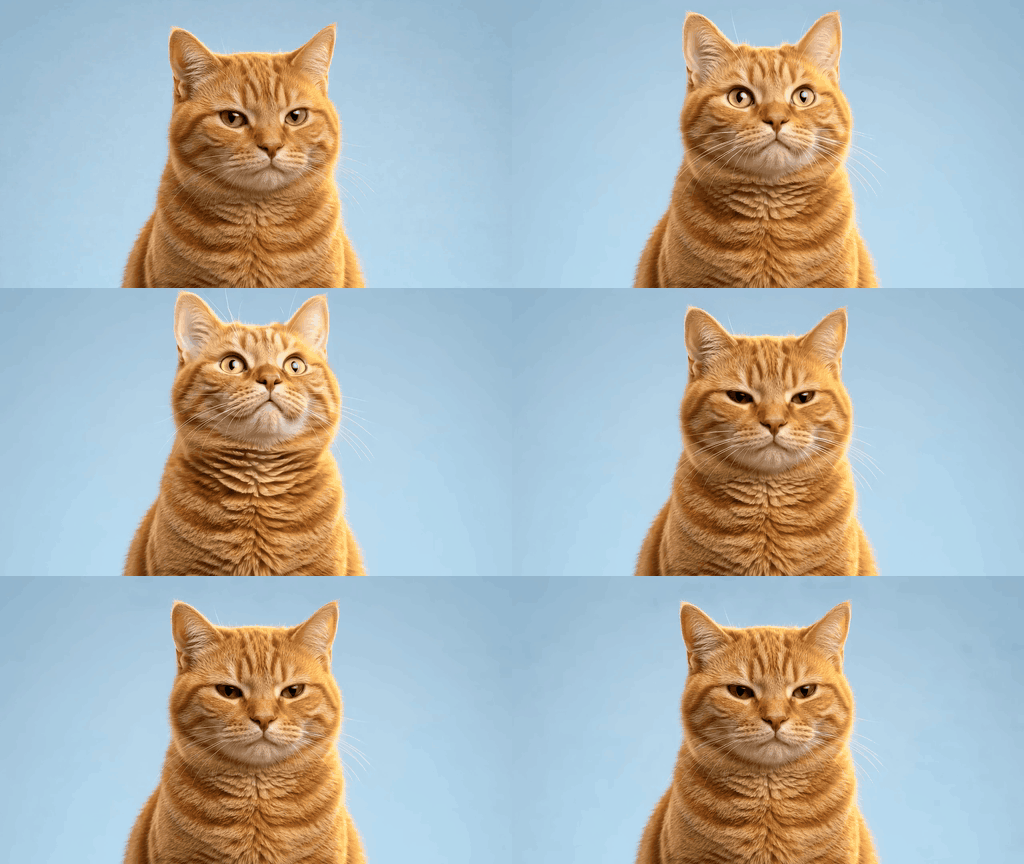
Funny reaction GIFs for social replies
Prompt A funny but photorealistic cat reaction. This exact unimpressed orange cat looks briefly to one side with its eyes, then makes one small surprised double take: eyes widen, ears perk, head tilts a few degrees, followed by a slow blink and return to the original unimpressed look. Keep the mouth closed and the body still. Preserve the same fur pattern, whiskers, face shape, two eyes and two ears in every frame. Expression should read clearly without becoming cartoonish. The plain blue background and lighting remain perfectly static. Locked camera, no zoom, no new objects, no humans, no text. End close to the starting expression for a loop.
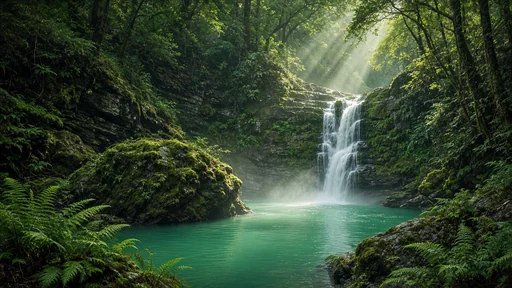
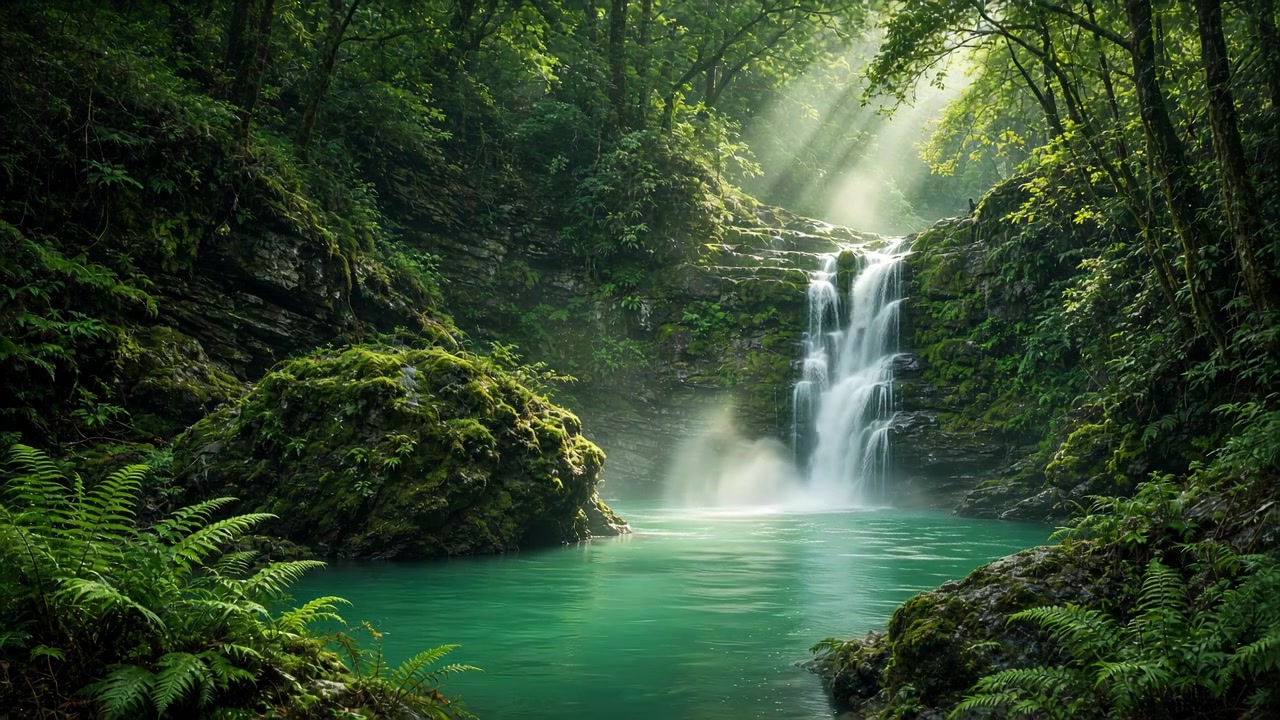
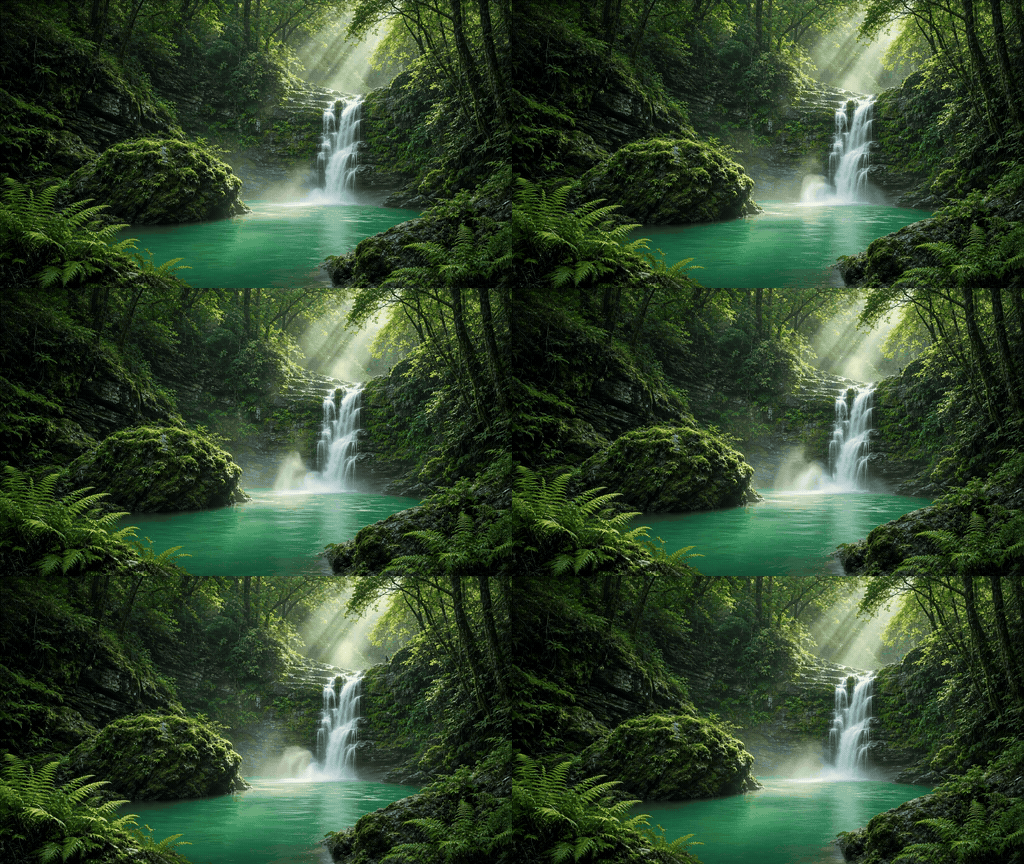
Travel photos and cinemagraph wallpapers
Prompt Completely stationary locked tripod photograph of this exact forest waterfall, with one beautiful moving layer of flowing water. Water streams continuously down the waterfall and forms small gentle ripples on the jade pool. The fern fronds, trees, rocks, sunbeams and all four edges of the composition remain a frozen photograph; their positions do not change by even a pixel. No camera movement, no zoom, no dolly, no pan, no parallax or reframing. Only the water and a trace of mist move. Preserve the exact source composition. A peaceful natural travel cinemagraph.
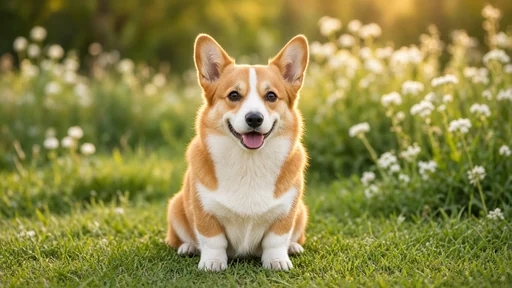
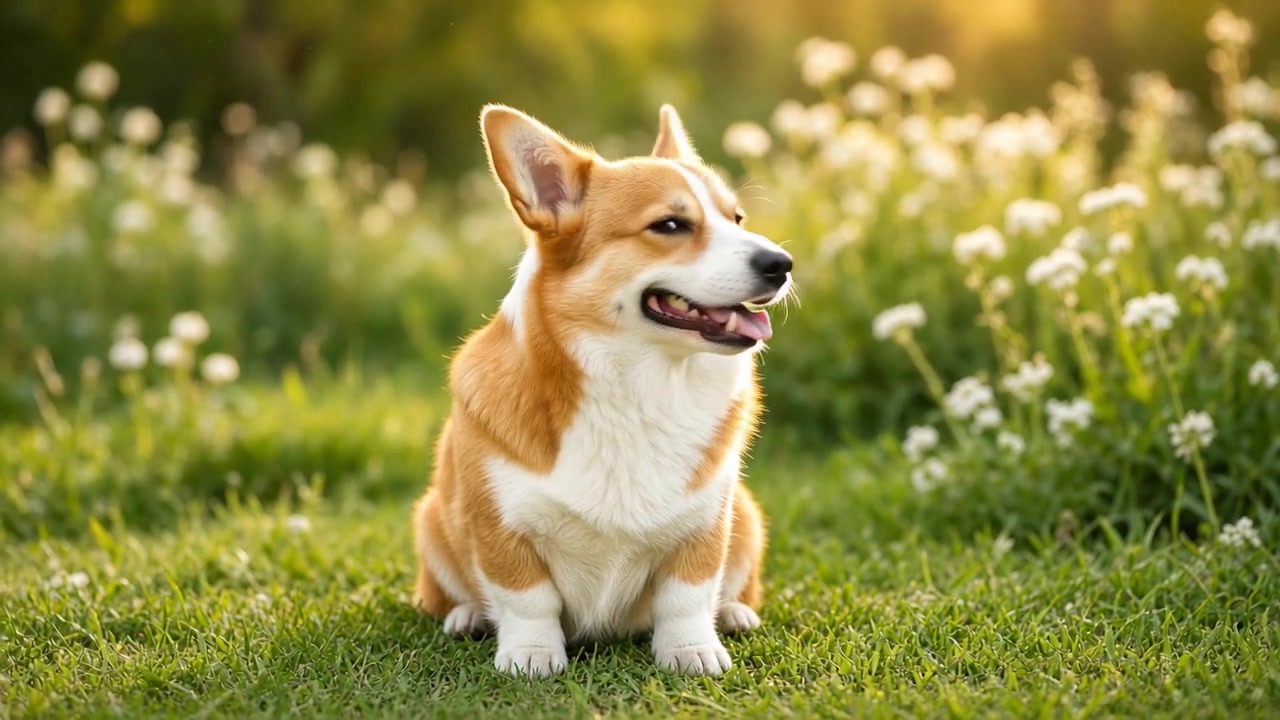
Pet photos and personal sharing
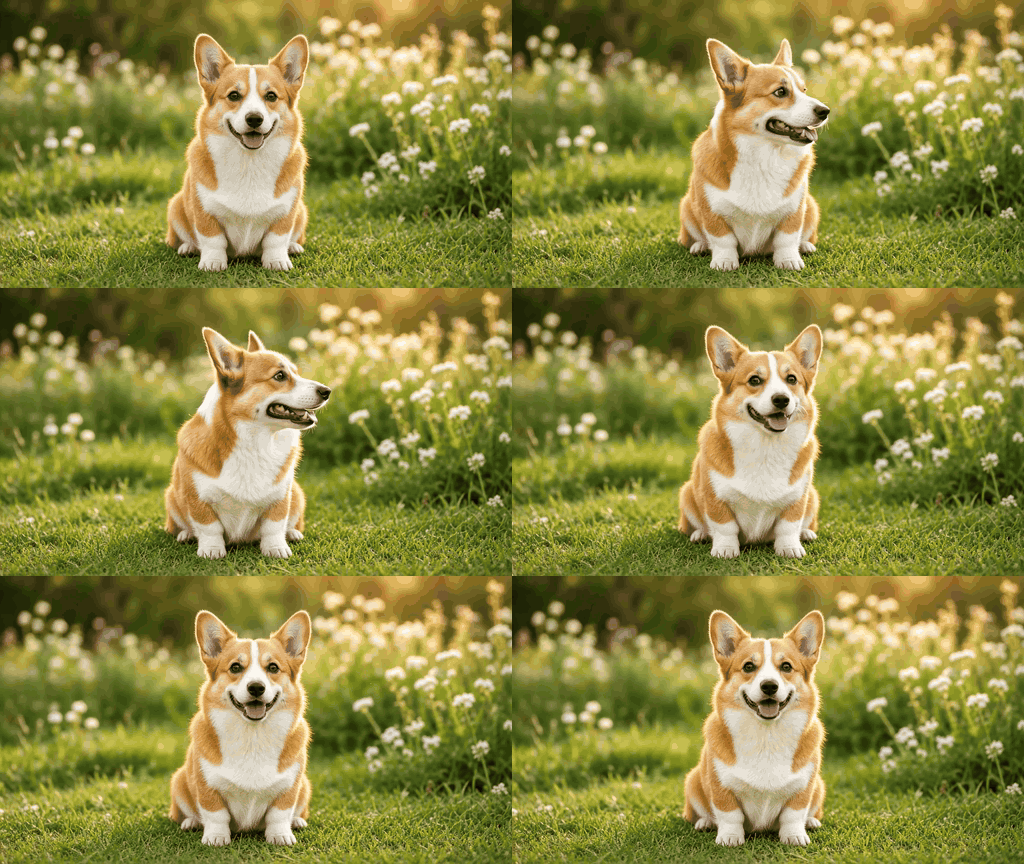
Prompt Bring this exact sitting corgi to life. The dog slowly tilts its head about ten degrees to the right as if listening, gives one tiny natural ear twitch and blink, then straightens its head to the original pose. A soft friendly open-mouth expression remains natural. Its body, four paws and seated posture remain planted and perfectly stable. Preserve exact markings and fine fur; no changing limb count or muzzle shape. Keep the garden, flowers and light still. Locked camera, no camera motion, no cuts. Small charming lifelike movements rather than exaggerated action. Finish in the starting pose.
Product listings and ecommerce ads
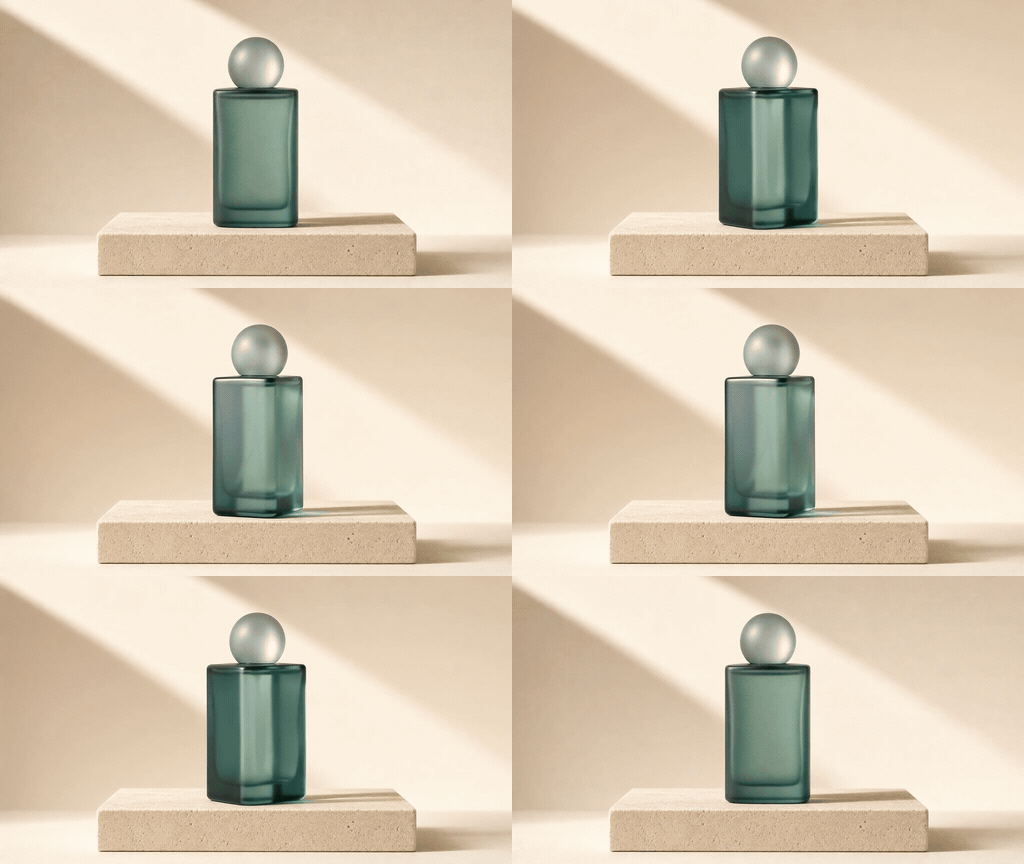
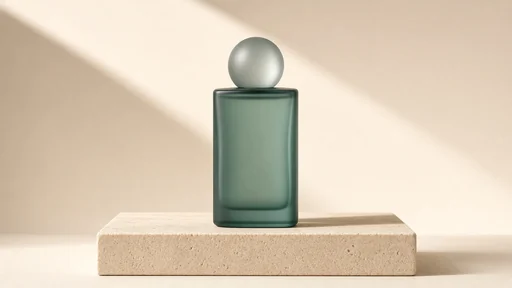
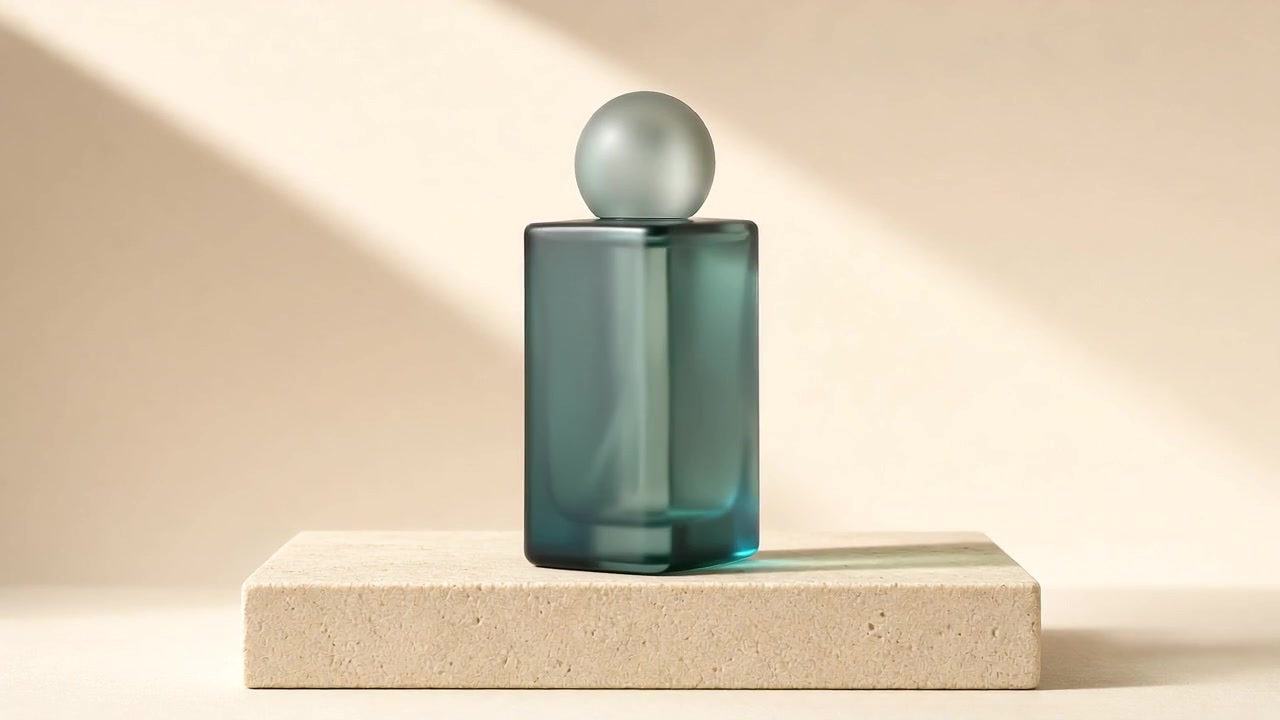
Prompt Luxury product animation of this exact unbranded sea-green glass perfume bottle. Keep the sandstone plinth perfectly fixed. The bottle pivots only eight degrees around its vertical axis and slowly returns, as one elegant soft white studio highlight glides across its front glass. Keep the rectangular silhouette, straight edges, frosted spherical cap, material, size and position consistent. No liquid splash, no bending, no morphing, no added labels or text. The bottle remains upright and in contact with the plinth. Background and camera completely locked, no zoom, no cuts. Refined very subtle motion, ending at the initial angle.
Creator stickers and community reactions
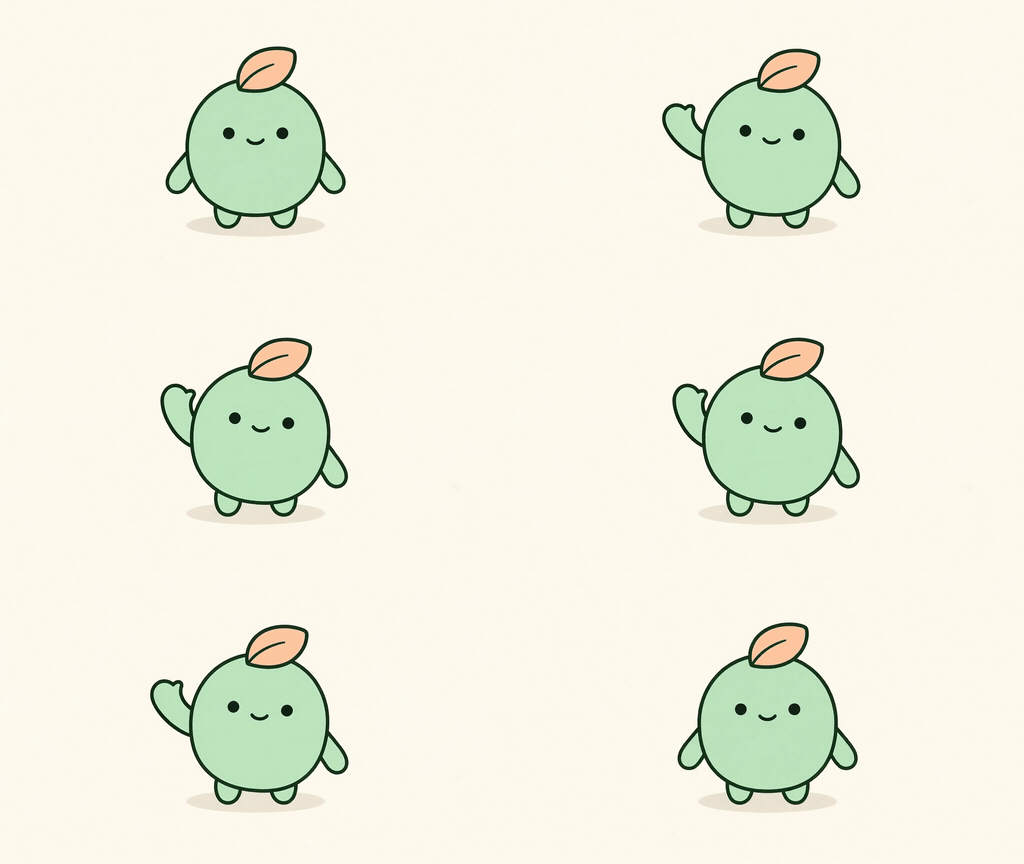
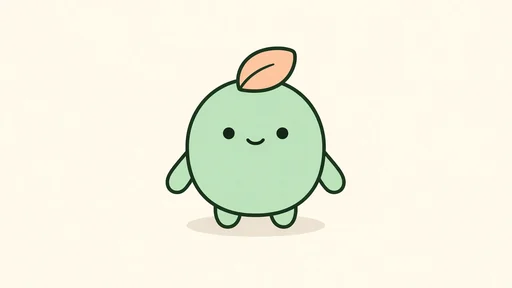
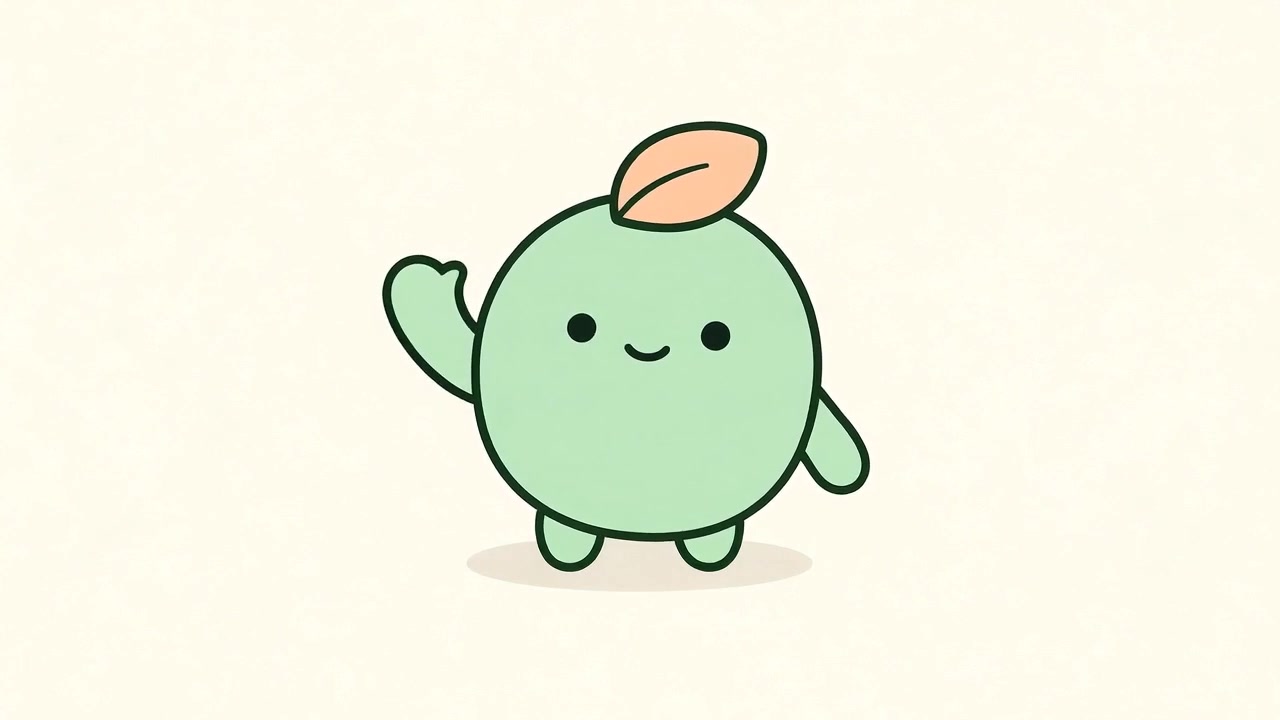
Prompt A single friendly wave from this exact original mint-green vector creature. Keep the body, leaf, face and both feet completely fixed. Raise only the arm on the left side of the image, keeping its exact simple rounded mitten silhouette with no fingers. Move that same little arm in a short smooth arc twice, then lower it to the original resting position before the end. The other arm remains down and still throughout. Keep both dot eyes and smile unchanged. Same bold outline and flat colors in every frame, no changing anatomy, no extra arms, no fingers. Background and camera perfectly static. Five-second complete greeting loop ending in the source pose.
A free GIF maker that feels finished, plus AI when you want a single photo to come alive.
Photos are turned into a GIF in your browser. No upload, no account, no watermark.
Blend photos with a smooth fade, add a caption, play back and forth, and pick the size.
Turn an iPhone Live Photo into a GIF from the motion it already holds.
The Email size keeps the GIF under 1 MB for newsletters and chat.
Drop in JPG, PNG or WebP photos, up to 24. Drag them into the order you want.
Pick the speed, a fade or a hard cut, the shape, the size and optional text. The preview updates as you go.
Press Make GIF and download it. To make one photo move from a prompt, switch to AI animation.
The photo GIF maker is free. AI animation turns one photo and a prompt into motion: $9 once for 180 credits, valid 90 days, in 3 or 5 second clips at 480p or 720p.
Free
$0
AI motion
$9
180 credits · 90 days
US$9 once · 180 credits · valid 90 days · no subscription or automatic renewal. Secure checkout is by Waffo Pancake, our online reseller and merchant of record. The final amount, including any applicable taxes, is shown before payment. By purchasing, you agree to our Terms of Service and Refund Policy. Questions: support@phototogif.com.
See the full comparisonMake a product slideshow from a few angles, colors or details. Start with the strongest product shot so it still works where the recipient sees only the first frame.
Make a product GIF ↑Yes. The GIF maker on this page is free, with no sign-up and no watermark. Add up to 24 JPG, PNG or WebP photos, choose a fade, text and a loop, and download the GIF. AI animation of a single photo is the paid option.
No. The GIF maker builds the GIF in your browser, so your photos stay on your device. A finished GIF is uploaded only if you choose to save it to your account. AI animation uploads the one photo you animate.
Yes, two ways. In the free GIF maker one photo can slowly zoom or pan. For real motion, such as a pet blinking or water flowing, switch to AI animation, upload the photo and describe the motion. AI animation needs a signed-in account with credits.
Yes. Type it in Text on the GIF and choose the top or the bottom. It is drawn in bold white letters with a dark outline on every frame, and the preview shows it right away.
Open the Size menu and choose Email. The maker tries smaller dimensions and palettes until the file is under 1 MB. If it is still too large, use fewer photos or a hard cut instead of a fade.
Open Live Photo to GIF. An Android Motion Photo is a JPEG that already contains a short video. An iPhone Live Photo uses the .MOV or .MP4, not the HEIC still. On iPhone, open the Live Photo, tap Share, then Save as Video. If this browser can’t play the video — common for HEVC in Chrome and Firefox — open the page in Safari, or export a compatible video. The file stays in your browser. Steps for saving the iPhone video
Yes, every GIF repeats forever. Choose Back and forth for a boomerang loop. With Smooth fade, the last photo also fades back into the first, so the loop has no jump.
Yes. Switch to AI animation, upload one photo and describe the motion to get a 3 or 5 second GIF and MP4. It needs a signed-in account with credits. Sign up with Google to get 3 free credits, enough for one 480p, 3-second GIF; after that, $9 buys 180 credits, valid 90 days, one time. It is not for photos of real people. Eligible failed jobs return credits. See pricing.