Make a photo GIF under 1 MB
Email output is a ladder, not a promise about every input. One million bytes is the stop line. A GIF you already have is not recompressed here.
Make a GIF from photosThe ladder the editor actually runs
With Size set to Email, the worker tries five pairs, in order: 480 pixels and 128 colors, 360 and 96, 256 and 64, 192 and 48, then 144 and 32. The longest edge is the size passed into the canvas fit. Delay and frame count stay as they were, except that Smooth fade uses two blended frames per change instead of three; Hard cut is smaller still. The first result at or under 1,000,000 bytes is the download.
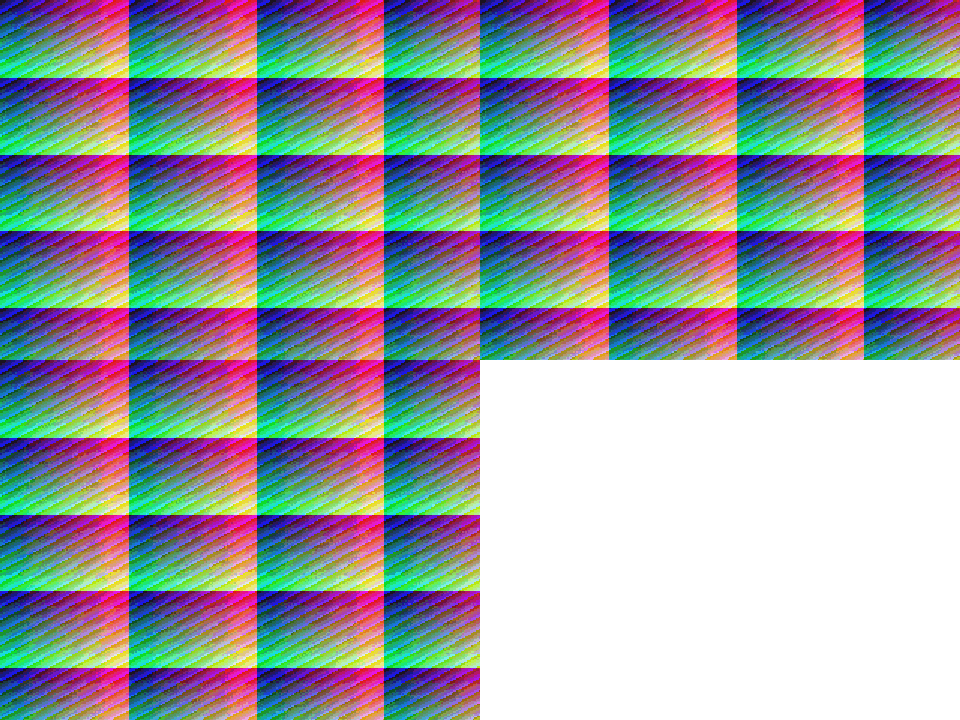
The sample is a 320 by 240 noisy picture repeated for three frames. It is not a photograph of a person. The first pair already fits, at 480 by 360 and 182,697 bytes. The later rows were encoded anyway so you can see the slope. The editor would not have continued past the first row.
| Edge | Colors | Canvas | Bytes | Under 1,000,000 |
|---|---|---|---|---|
| 480 | 128 | 480×360 | 182,697 | Yes |
| 360 | 96 | 360×270 | 118,806 | Yes |
| 256 | 64 | 256×192 | 59,868 | Yes |
| 192 | 48 | 192×144 | 31,074 | Yes |
| 144 | 32 | 144×108 | 15,804 | Yes |
One setting at a time
These two tables are not extra editor modes. They rerun the same frames while holding the other knob still, so a size change is not confused with a palette change.
| Edge | Colors | Canvas | Bytes |
|---|---|---|---|
| 320 | 128 | 320×240 | 109,407 |
| 240 | 128 | 240×180 | 70,314 |
| 160 | 128 | 160×120 | 32,772 |
Palette only
Canvas stays 320 by 240. Only the quantizer’s color count changes.
| Edge | Colors | Bytes |
|---|---|---|
| 320 | 256 | 136,248 |
| 320 | 128 | 109,407 |
| 320 | 64 | 85,416 |
| 320 | 32 | 63,291 |
If the export still fails
- Remove photos before you ask the ladder to do more. Frame count is not one of the five pairs.
- Prefer a plain background. The noisy fixture is large because almost every pixel differs.
- Read the byte count on the preview. Do not trust a guess from the pixel size alone.
- Read the preview byte count before you put the file in a message. The section below is placement, not another size test.
Put the finished GIF in an email
Build the file first. Inline is the image in the message, so frame one can show without a download. An attachment waits until the reader opens it. A text link shows no frame until they follow it. Write alt text that matches frame one. If the animation never plays, that still frame and the alt text are the message.
Can I email’s GIF notes, last tested 6 February 2020, mark several Windows Outlook versions as partial because they do not play the animation, and describe one Office 365 case that plays three times and then shows a play control. This site has not retested those clients. Do not treat “Outlook” as one rule. One million bytes is this editor’s target, not a limit Gmail or Outlook published.
| Placement | If animation is off |
|---|---|
| Inline image | First frame shows in the layout |
| Attachment | Reader must open the file |
| Text link only | No frame until they follow the link |
Should the GIF be inline or attached?
Use inline when frame one is enough on its own. Use an attachment when the reader should open the file. A link alone does not show a frame.
Is 1 MB required by the inbox?
No. 1,000,000 bytes is the Email output’s stop line, measured above. A client can be stricter or more generous. Put the product name on frame one anyway.
Questions
Does Email always hit 1 MB?
No. It stops at the first pass that is 1,000,000 bytes or smaller. The noisy sample’s first pass was already 182,697 bytes, so that is the file the editor would keep. A heavier sequence can miss the early passes.
What if every pass is still too big?
The editor throws “This GIF is larger than 1 MB. Try fewer photos.” It does not keep a file over the limit and it does not shrink an existing GIF from your downloads folder.
Which single change saves more?
On this sample, shortening the longest edge from 320 to 160 at a fixed 128 colors went from 109,407 bytes to 32,772. Cutting colors from 256 to 32 at a fixed 320 edge went from 136,248 to 63,291. Both matter. The Email control changes them together.
Related
What gets blurry or bandedProduct sequenceJPEG order and seams
Sources
- Email-preset fixture. First ladder step that landed at or under 1,000,000 bytes.
- Can I email: GIF image format. Third-party client notes, last tested 6 February 2020. Not a Photo to GIF inbox test.