JPG photos to an animated GIF
One JPEG becomes one GIF frame. A single JPEG is only a format change unless you choose Still, Zoom, or Pan. Several JPEGs play in the order you set.
Make a GIF from photosA JPEG sequence is the frame list
This page is for JPEG files you already have. The editor reads each accepted file as one still frame, in the order shown in the photo list. You can move a photo earlier or later before you press Make GIF.
A GIF made from one JPEG does not add motion by itself. The single-photo page is where Still, zoom, and pan live. Those options resample the same picture. They do not draw a new pose.
Mixed landscape and portrait
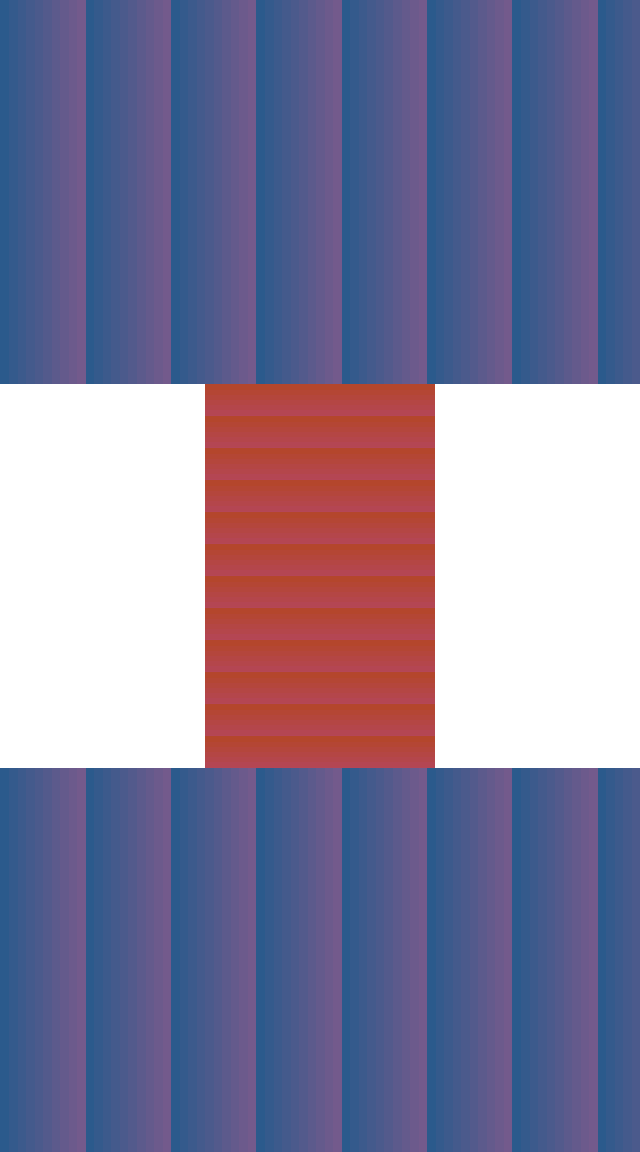
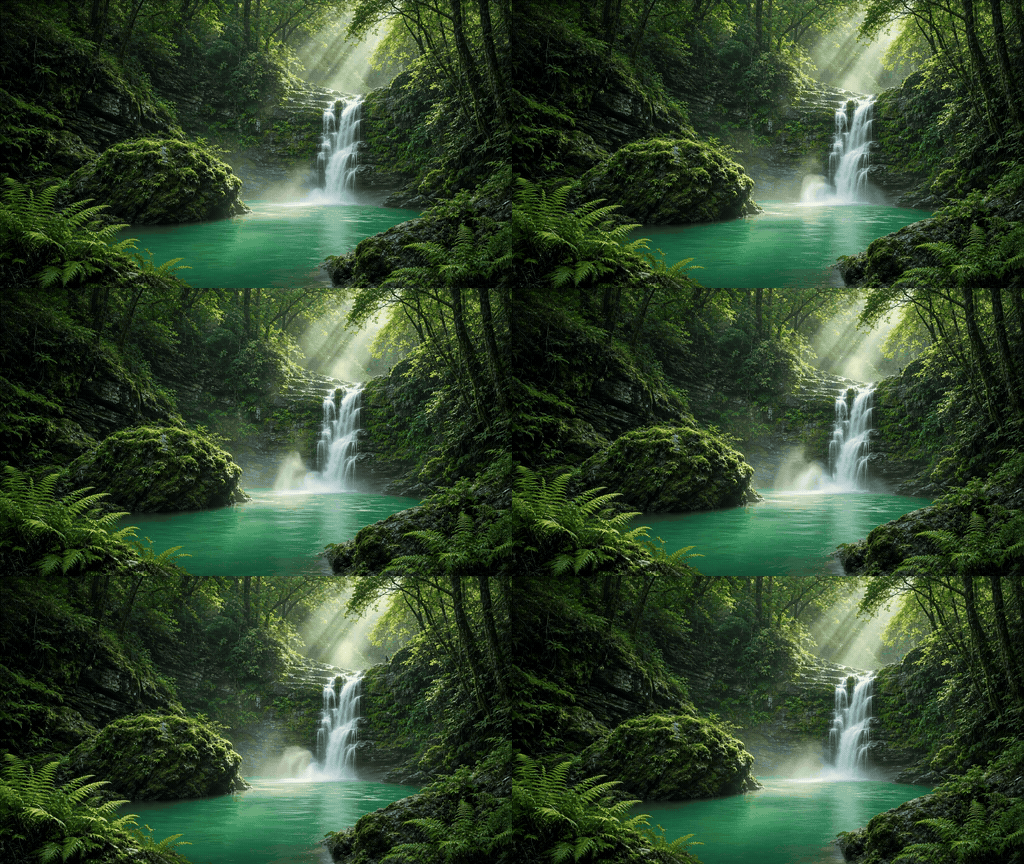
The local fixture uses a 600 by 360 frame, then a 360 by 600 frame, then the wide frame again. With Show whole photo and the Large 640 px size, the canvas takes the first image’s shape at 640 pixels on the longest edge, which here is 640 by 384. The tall frame is scaled to that height and centered, so it occupies x 205 to 435 and leaves white on both sides.
The encoded file is 40,484 bytes, 3 frames, 256 colors. White bars are the fit, not a border you drew in the JPEG. Crop to fill, the default, would crop the tall frame to the same 640 by 384 with no bars.
| Frame | Source | Placed on 640×384 |
|---|---|---|
| 1 and 3 | 600×360 | Full canvas |
| 2 | 360×600 | x 205, y 0, 230×384 |
Before you export
- Export JPEGs, not HEIC. Keep the subject in a similar place if you do not want the frame to jump.
- Put the shape you want the canvas to follow first, then add the other photos.
- Leave Time per photo at 0.5 seconds, play through the last frame back to the first, and reorder if two neighbors clash.
- Choose Square 1:1 only when you want every frame forced into a square. Keep Crop to fill unless the edges of every photo must stay visible.
When the repeat jumps
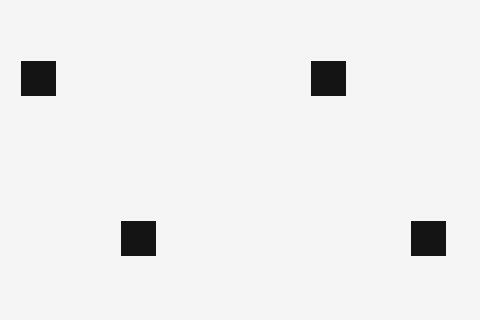
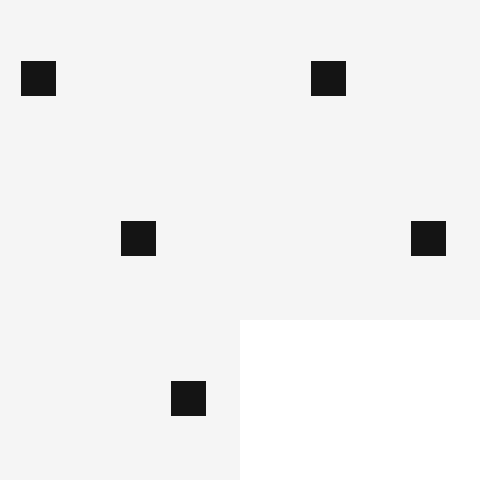
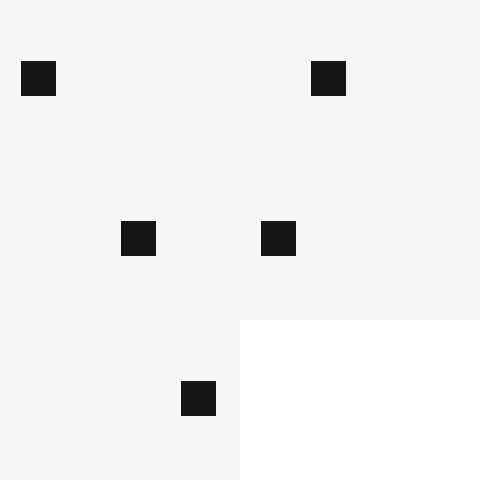
The download already repeats. Repeat is not a smooth join. The fixture is one black square on a 240 by 160 field. Only the list of x positions changes. A copied end frame pauses, then jumps home. A last position far from the first cuts when the playhead wraps.
Time per photo starts at 0.5 seconds, with choices from 0.1 to 3 seconds. A longer hold does not move the pixels. Reorder the JPEGs, or delete a duplicate, before you export again. Smooth fade, the default, blends each photo into the next and the last photo back into the first, which softens the wrap; Hard cut draws nothing between photos. Back and forth plays the list forward and then in reverse, so the end meets the start. Zoom and pan on one photo return to their start on their own.
| Clip | Positions | Frames | Bytes |
|---|---|---|---|
| Clean steps | 20, 70, 120, 170 | 4 | 1,882 |
| End frame copied | 20, 70, 120, 170, 170 | 5 | 2,343 |
| Last frame far from the first | 20, 70, 120, 20, 180 | 5 | 2,343 |
Does looping forever make the join smooth?
No. Frames are written with repeat 0, so the GIF plays again. The clean clip is 1,882 bytes. Copying the end frame makes 2,343 bytes and a pause at position 170 before the jump back to 20.
What if the last JPEG is nowhere near the first?
The third fixture goes 20, 70, 120, 20, 180. The extra visit to 20 is not a join, and 180 is far from the opening 20, so the repeat cuts. Move a nearer photo to the end, or drop the stray frame.
Limits
Up to 24 photos. Each file can be up to 15 MB, and a picture whose longest side is over 1,280 pixels is reduced before encoding. The Size menu sets the longest edge of the GIF: 320, 480 (the default), 640 or 960 pixels, or Email for under 1 MB.
This is not a tool that recompresses a GIF you already downloaded. It builds a new GIF from stills. Color-heavy JPEGs get larger; the 1 MB page is the size experiment.
Questions
Does one JPEG already count as an animation?
No. A one-file export with Still image is a GIF that holds that picture. Zoom and Pan are the local options that create extra frames from the same JPEG. Several photos are what make a slideshow.
What if my JPEGs are different shapes?
The canvas follows the first photo, or Square if you pick it. With Crop to fill, the default, later photos are cropped to that canvas. With Show whole photo they fit inside it and the empty area is white. The mixed-aspect fixture below used Show whole photo at the Large 640 px size, so it is 640 by 384.
Will HEIC or a camera RAW open here?
No. The file check accepts JPEG, PNG, and WebP. Convert a HEIC still to JPEG before you add it.
Related
PNG and white backgroundsStill WebP framesOne photo: Still, Zoom, or PanBurst frames
Sources
- Local mixed-aspect fixture. Three synthetic frames encoded with gifenc on a canvas taken from the first image.
- Three seam fixtures. Same square, three lists of positions. Repeat is already on.