Arrange the photos
Add JPEG, PNG, or WebP photos and press Make GIF. It runs in this browser and does not need an account.
Make one photo move with AI: upload it and describe the motion.Make a photo move with AI.
Try AITurn several photos into one looping GIF, free in your browser. Blend them with a smooth fade, add text, play them back and forth and pick the size. No sign-up, and your photos stay on your device. Want one photo to really move? Try AI animation.
JPG, PNG or WebP · up to 24 photos
Your GIF will appear here.
A multi-photo GIF plays the pictures you already have. An AI animation starts from one photo and a prompt. Credits are listed on the pricing page.
Free slideshowYour photos play in order with a smooth fade or a hard cut. One photo can zoom or pan.
AI animationOne photo and a prompt become motion.
Free slideshow320, 480, 640 or 960 pixels on the long side, or an Email size under 1 MB. 256 colors per frame.
AI animationThe MP4 keeps 480p (832×480) or 720p (1280×720), both 16:9 landscape. A taller photo is center-cropped into that frame. The GIF is made in the browser from that MP4, up to 512 pixels on the long edge, at 10 frames per second, and up to 50 frames.
Free slideshowFrom 0.1 to 3 seconds per photo, playing forward or back and forth.
AI animation3 or 5 seconds, at 480p or 720p. 480p for 3 seconds is 3 credits. 720p for 5 seconds is 10 credits.
Each pair is a still photo and the GIF made from it. The preview plays while it is on screen. If your system asks for less motion, tap a pair to play it.
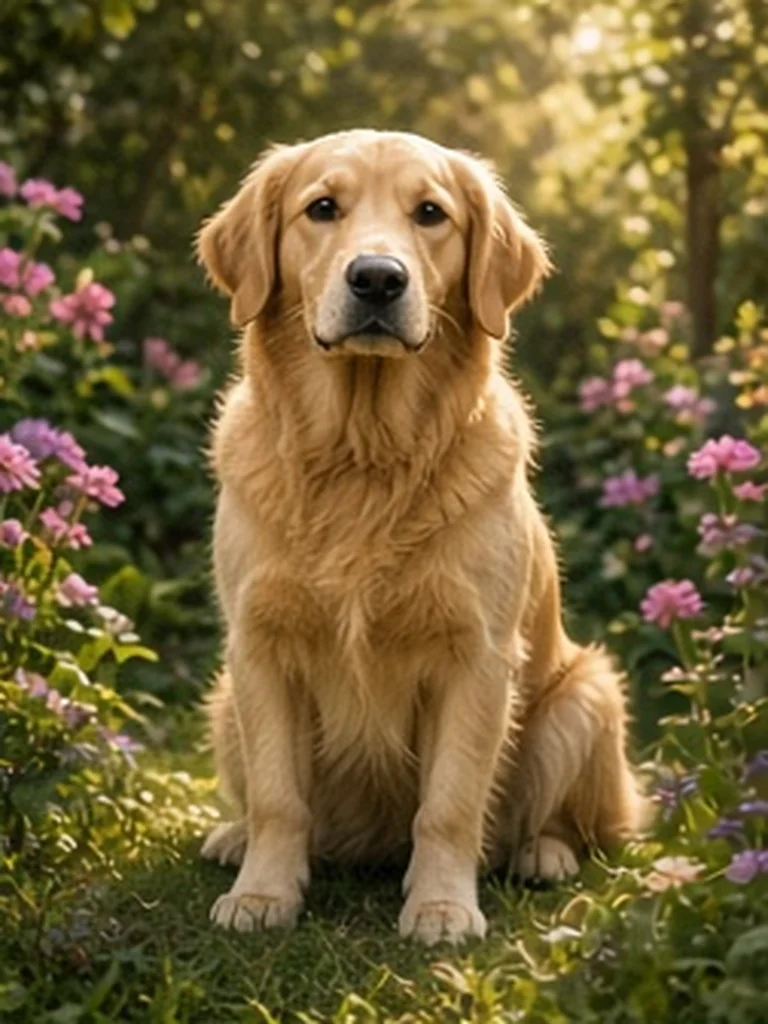 BeforeAfter
Garden retrieverThe dog blinks, one ear lifts, and the tail gives a small wag, then the head returns to the starting pose. The body stays seated. Locked camera.
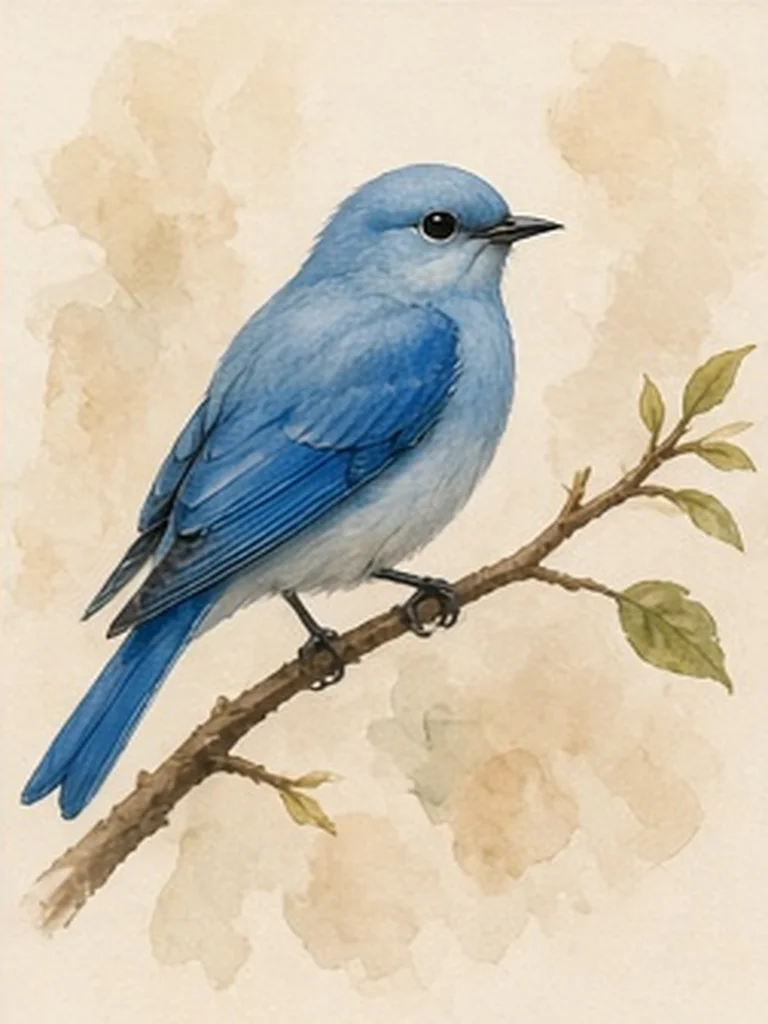 BeforeAfter
Watercolor birdThe bird tilts its head and blinks, then returns. The branch and paper texture stay fixed. No extra birds. Locked frame.
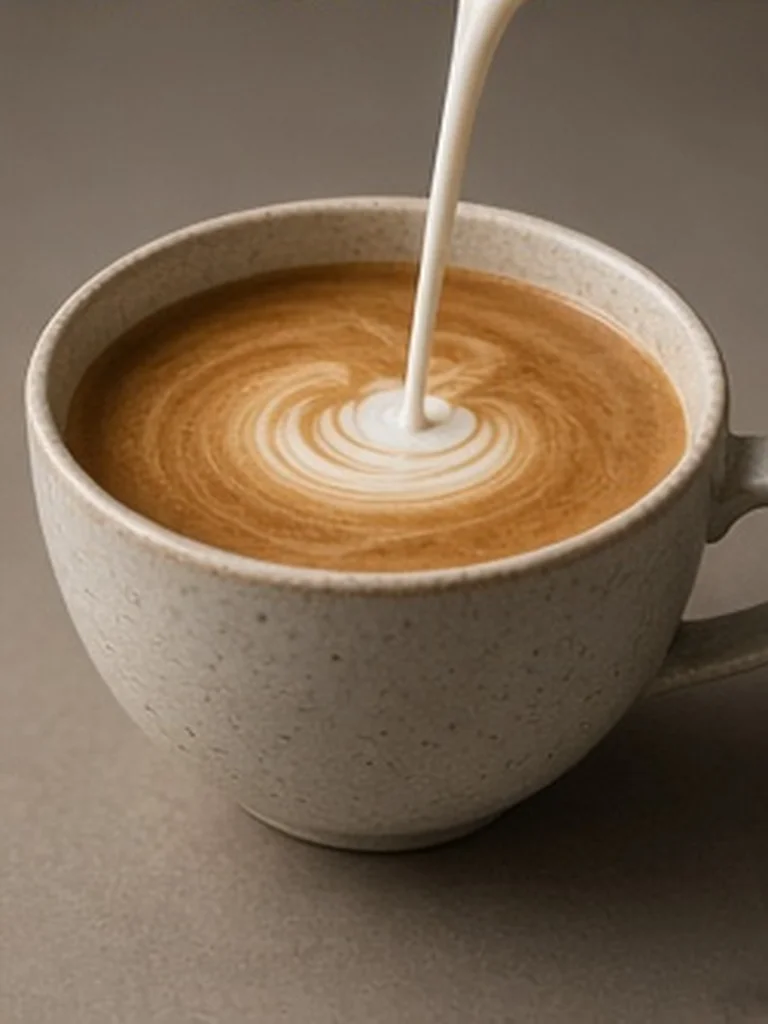 BeforeAfter
Latte swirlThe milk stream lands and the surface swirls once, then settles. The cup does not move. Locked camera.
Valid 90 days. Not a subscription. About 18 clips at 720p for 5 seconds, or about 60 at 480p for 3 seconds.
A card is charged only when you finish checkout.
See pricingAdd JPEG, PNG, or WebP photos and press Make GIF. It runs in this browser and does not need an account.
Open the AI generator with one photo and describe what should move. A slideshow cannot invent that action.
AI clips are 3 or 5 seconds. Download the GIF and the MP4. The credit pack is on the pricing page.
Yes. It runs in your browser, with no account and no watermark. Add up to 24 JPG, PNG or WebP photos, 15 MB each, then choose a fade, text, loop and size before you download.
Yes. Smooth fade blends each photo into the next, and the last photo back into the first. Text on the GIF adds a caption at the top or bottom of every frame. To make one photo move from a written prompt instead, use the AI generator.
The free maker builds the GIF from the photos you give it. An AI animation is one photo plus a prompt, in 3 or 5 seconds, at 480p (832×480) or 720p (1280×720), both 16:9 landscape. A taller photo is center-cropped into that frame. 480p for 3 seconds is 3 credits. 720p for 5 seconds is 10 credits. The MP4 keeps that resolution. The GIF is made in the browser from the MP4, up to 512 pixels on the long edge.
$9 buys 180 credits, valid for 90 days. It is one payment, not a subscription. That is about 18 clips at 720p for 5 seconds, or about 60 at 480p for 3 seconds. A card is charged only when checkout is enabled and you finish it. The pricing page lists every credit cost.
The free maker keeps photos in the browser unless you choose to save a finished GIF. An AI source photo is deleted within 24 hours. The private result is deleted within 30 days. A Live Photo or Motion Photo uses the Live Photo to GIF page.