Product photos to a GIF
Use the pictures you shot. The first frame should still identify the product when the animation never plays. AI redraws are a poor fit when the label must stay exact.
Make a GIF from photosProduct photo to GIF: full view, then detail
Shoot or export three stills of the same object from a locked distance: the whole product with the name readable, a closer crop of the label, and the same crop in another color. Keep the object on the same spot in the frame so the GIF does not bounce.
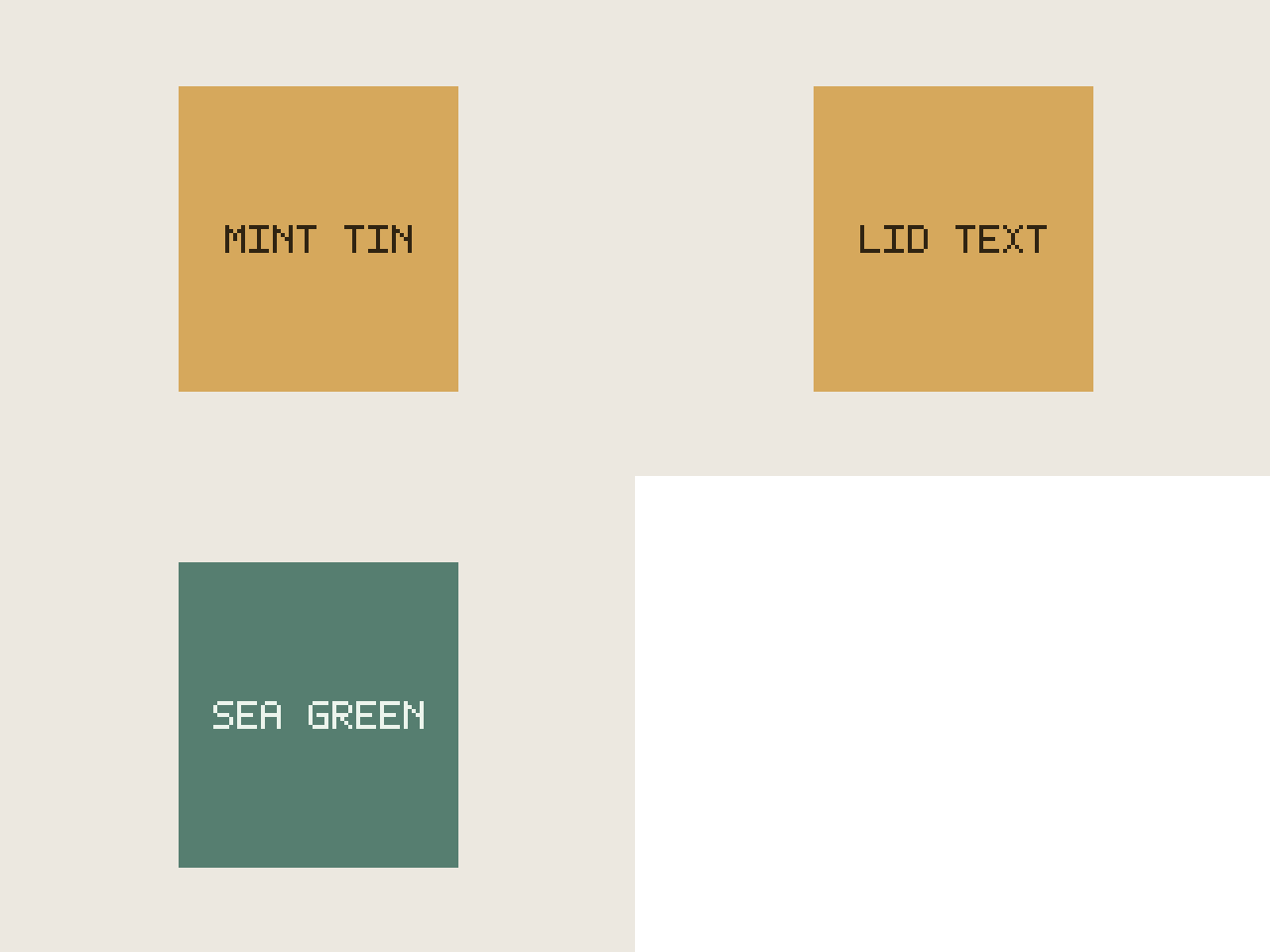
The fixture is a stand-in tin, not a catalog photo. It exists so the byte count and the frame order are real files you can open.
| Frame | What it shows | Export |
|---|---|---|
| 1 | Full tin, words MINT TIN | 640×480 |
| 2 | Same tin, words LID TEXT | 640×480 |
| 3 | Sea-green body, words SEA GREEN | 6,968 bytes total |
Hold the product photo crop still
- Use one light and one distance. A darker second photo looks like a flicker, not a color change.
- Leave padding around the pack so a square crop does not slice the name.
- Hold the label frame long enough to read. Duplicate that photo in the list if 0.5 seconds is too quick.
- If the file must travel by email, switch Size to Email and read the measured size. Do not assume this 6,968-byte tin predicts a textured product.
Limits
The editor will not center a product for you. If the three photos are framed differently, the GIF shows that difference. White gaps appear when the shapes do not match. See the JPEG page for the placement math.
Questions
Why start with the whole product?
Many viewers only see frame one. The fixture’s first frame says MINT TIN across the pack. The second frame is the lid line. The third swaps the body to sea green. Someone who never sees motion still knows the object.
How was the sample exported?
Three 480 by 360 drawings at the Large 640 px size, so the GIF is 640 by 480. Three frames, 256 colors, 0.5 seconds (500 ms) per frame, 6,968 bytes. The shapes are flat, so the file stays small.
Should I generate the product with AI instead?
Not when the pack text, color, or shape must match the item you sell. A generated clip can change those details. Photograph the angles and assemble them here.
Will every shop accept the GIF?
No. This guide does not claim a marketplace allows GIF, and it does not claim a change in sales. Check that channel’s file rules, then use the 1 MB page if you have a size cap.
Related
Sources
- Synthetic tin sequence. Drawn for this measurement. Not a store listing and not a sales claim.