One photo: Still, Zoom, or Pan
Still image writes one frame. Gentle zoom and Side-to-side pan write 15 frames from the same pixels, then return to the start.
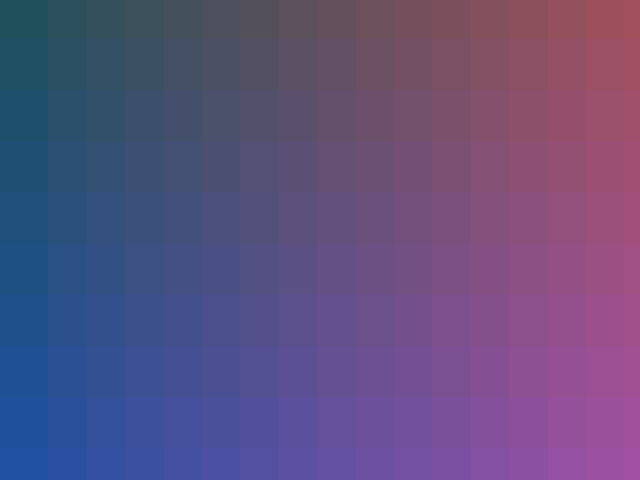
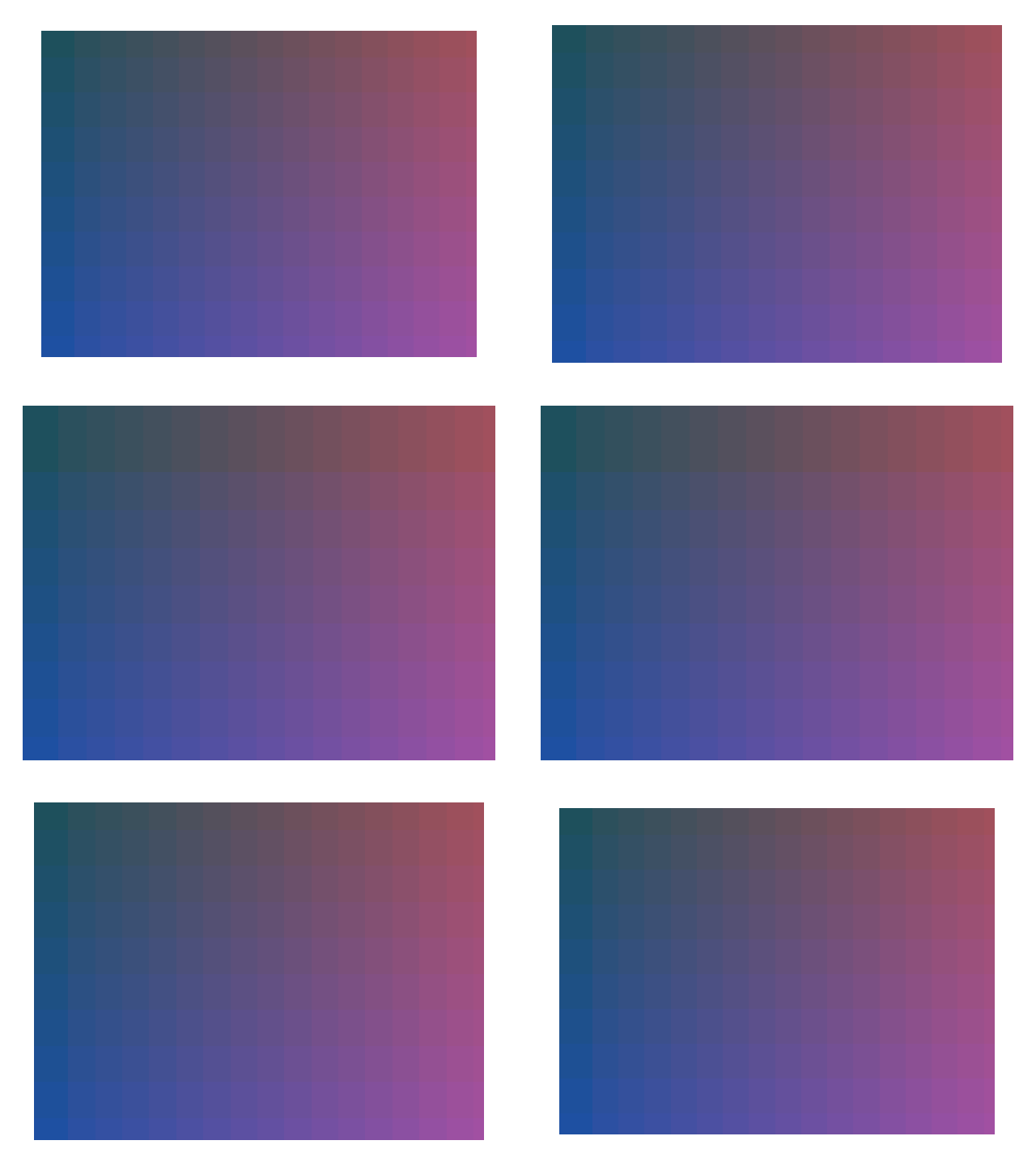
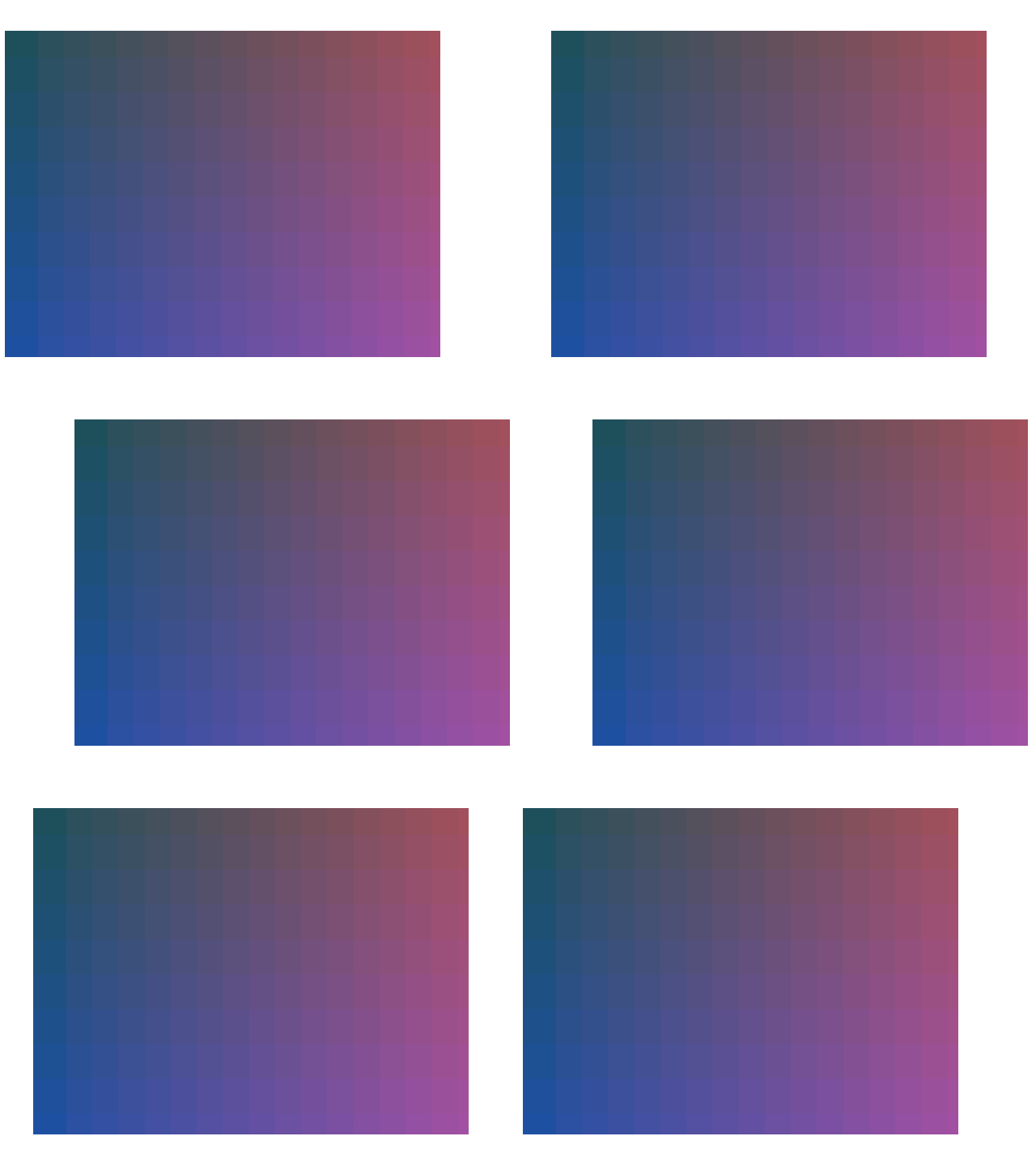
Open the photo editorThree exports of one gradient
Load a single photo and the Photo motion menu replaces Time per photo. The menu starts on Gentle zoom. Still image keeps one frame and uses the delay control. That control is milliseconds: the default 500 ms is 0.5 seconds, which gifenc stores as 50 centiseconds. The still file uses that default. Zoom and Pan ignore the control and write 15 frames at 100 ms each, 0.1 seconds, about 1.5 seconds for the loop. The still file is smaller because it is one frame.
With Show whole photo, both motion modes also inset the picture to 84 percent before the extra scale or shift, so the corners have room. With Crop to fill, the default, the photo fills the canvas and a pan is enlarged just enough to keep the edges covered. The still export does not use the inset.
| Control | Frames | Frame delay | Bytes |
|---|---|---|---|
| Still image | 1 | 0.5 seconds (500 ms) | 23,266 |
| Gentle zoom | 15 | 0.1 seconds (100 ms) per frame, scale returns to 1 | 315,060 |
| Side-to-side pan | 15 | 0.1 seconds (100 ms) per frame, shift returns to -0.07 | 307,406 |
Use the still when the format is the point
Choose Still image when you only need the photo wrapped as a GIF. Choose zoom or pan when a slow camera move is enough. If the subject itself must change, this control will not do it. Several real photos, or the closed AI page, are different jobs.
- Leave space around the subject so the 84 percent inset and the pan do not crop a face or a label.
- Play the result once. The last zoom and pan frames meet the first frame because the curve returns to the start.
- If the return still feels like a jump, the picture’s edges are too tight. Crop looser and export again.
Limits
These paths exist only when the list has one photo. Add a second photo and the menu switches back to Time per photo, with every frame held still. Zoom and pan return to their start values. A stack of JPEGs does not. The JPEG page shows a copied end frame and a last frame that misses the first. The AI GIF form is not a substitute control on this editor.
Questions
Does zoom invent movement inside the photo?
No. Zoom scales the whole picture from 1 up to 1.09 and back across 15 frames. The subject is the same bitmap, larger or smaller. A person does not wave, and a product does not rotate.
What does pan do?
It shifts the picture sideways by up to 7 percent of the canvas width and comes back. The fixture’s shift values run from -0.07 to 0.07. Edges need spare space or they leave the frame.
Why is the still file so much smaller?
The still fixture is 1 frame and 23,266 bytes. Zoom is 15 frames and 315,060 bytes. Pan is 15 frames and 307,406 bytes. Same canvas, 640 by 480 at the Large size with Show whole photo, 256 colors.
Where is the AI version of this?
The AI GIF page is a separate control for a signed-in user who has credits; a Google sign-up starts with 3 free credits. It is not what Zoom or Pan do. This guide does not describe a general photo-motion product.
Related
Sources
- Still, zoom, and pan fixtures. Same 400 by 300 gradient, encoded three ways with the editor’s motionFrames rules.