3D photo effect: one photo to a free GIF or MP4
Make a 3D photo effect for $0: turn 1 JPG, PNG or WebP into a 1 to 6 second parallax GIF or video, at 480 or 720 px. No sign-in or photo upload; depth is estimated on your device.
JPG, PNG or WebP up to 20 MB and 20 megapixels. Your image stays in this browser.
Examples
How to make a 3D photo
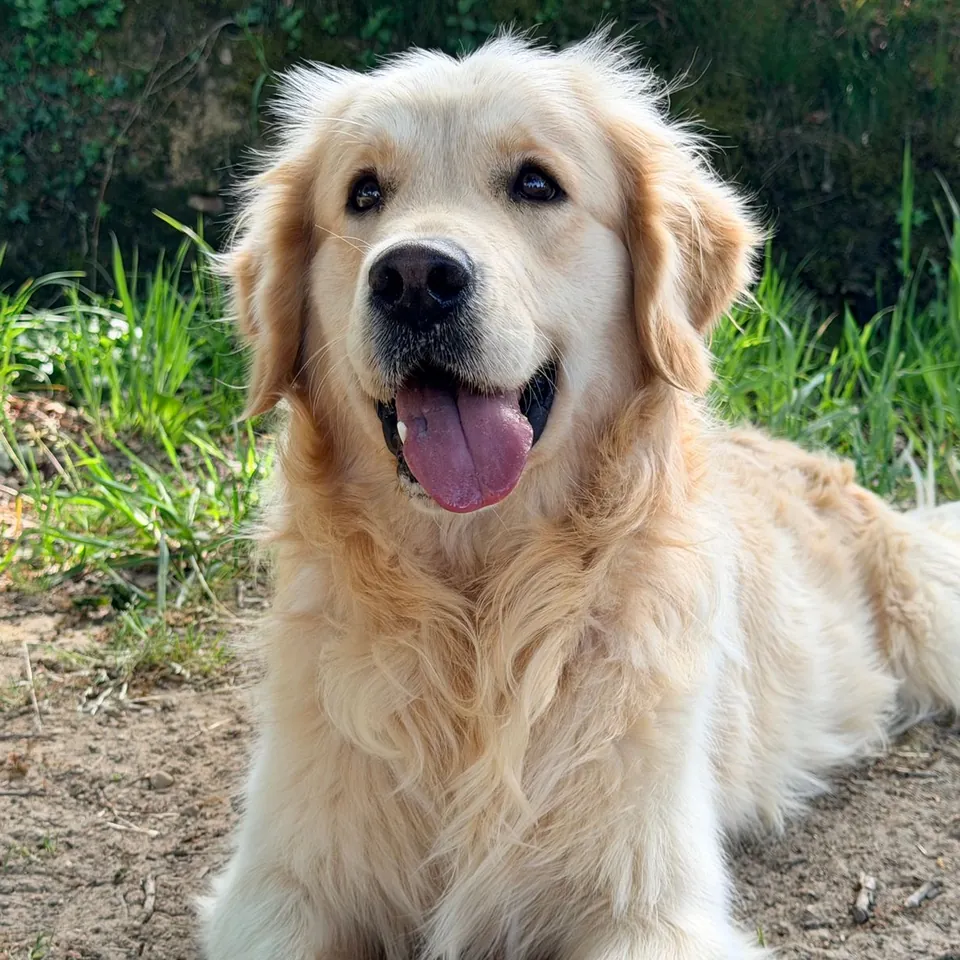
Choose a JPG, PNG or WebP under 20 MB and 20 megapixels. A clear foreground subject against a separate background gives a better estimate. Try the dog sample first.
Wait for depth estimation, click the subject to set focus and start with low strength. Lower it or turn on Stretch edges if the subject bends or borders pull apart.
Choose Orbit, Wiggle, Dolly or Up and down. Set the loop length from 1 to 6 seconds, then check the preview and adjust the motion.
Choose 480 or 720 px. Download a looping GIF for chats, or MP4 or WebM for video posts. Save the depth map PNG to inspect the estimate.
What a 3D photo effect does
A 3D photo effect moves foreground and background pixels by different amounts to give a still image a little depth. The result is a short parallax animation. Choose an orbit, left-right wiggle, dolly zoom or vertical movement, then adjust strength and focus.
This 3D photo maker estimates depth from one flat photo. It does not create a rotatable 3D model, mesh, STL or 3D-print file. Hair, glass and thin objects can be placed at the wrong distance.
Set the focus, movement and depth strength
Click the preview to choose a focus point. Pixels estimated nearer or farther from it move in opposite directions. If the subject seems to float, click again or reduce strength.
Orbit circles, Wiggle moves left and right, Dolly changes the crop and Up and down shifts vertically. The 1 to 6 second setting controls speed. Loop repeats the preview and GIF; videos play once.
Stretch edges extends border pixels across small gaps. It cannot rebuild a missing background. Lower strength and extra space around the subject usually look cleaner than a large move.
Export a GIF, MP4 or WebM
GIF loops but is limited to 256 colors per frame. This editor exports it at 10 frames per second. MP4 and WebM keep more color and play at 24 frames per second. MP4 appears when H.264 WebCodecs encoding is available; otherwise, WebM is offered when MediaRecorder supports it.
Choose 480 px for a smaller file or 720 px for more detail. The aspect ratio is preserved. The grayscale PNG is a relative depth estimate, not a measurement in meters or a precise mask.
Depth motion, a flat pan or generated animation?
Choose a 3D photo effect when one still image has a clear foreground and you want a short camera-like move. Depth moves different parts by different amounts. A flat zoom or pan moves the whole picture together and avoids depth-estimation errors; the free Photo to GIF maker on the home page does that without downloading a depth model.
Use multiple photos when you already have separate moments to show in sequence. Use generated animation when you need new movement within the scene, such as a person turning or water changing shape. This free parallax editor cannot invent those actions, recover unseen surfaces or guarantee accurate depth. Start with a small move and inspect the subject before publishing.
Browser processing, privacy and limits
Your photo is decoded, analyzed and animated in this browser. PhotoToGIF does not receive or store it. The first use downloads about 20.4 MB of depth-model files from this site. It also downloads about 6.6 MB of compressed browser runtime files from this site, then decompresses them on your device. No third-party model or runtime host is contacted. Your browser may cache both. These file requests use GET and contain no photo data.
Depth estimation can take longer or run out of memory on a small device. If the browser cannot start WebGPU or the WebAssembly fallback, the page shows an error. Try a smaller photo or close heavy tabs. Hair, mesh, glass, reflections and blur can confuse depth and show tearing.
Use a photo you own or have permission to publish. The tool does not grant commercial rights to an image, logo or person’s likeness.
More free GIF and photo tools
3D photo effect questions
Is this 3D photo effect maker free?
Yes. It is free in your browser, with no sign-up, credits or watermark.
Which model runs locally, and can I check its license?
Depth Anything V2 Small uses the Apache-2.0 license. This tool runs its quantized weights locally; see the model card and license. Its browser runtime uses an MIT license. This is an independent photo effect tool, not an official model-vendor product.
Is my photo uploaded to make the effect?
No. Your photo stays in this browser. About 20.4 MB of model files and 6.6 MB of compressed runtime files download from this site on first use. Your browser may cache them; these requests contain no photo data.
Which input and output formats are supported?
Input is JPG, PNG or WebP. Output is GIF, supported MP4 or WebM, and a depth map PNG.
What is the maximum photo size?
The limit is 20 MB and 20 megapixels. A smaller photo may be more reliable on a phone or older computer.
Can I use the 3D photo commercially?
Yes, if you own the photo or have commercial permission. The effect does not grant rights to a source image, logo or likeness.
Does this make a 3D model?
No. It makes a moving 2D photo, not a rotatable scene, mesh, STL file or 3D-print model.
Why do edges or hair look torn?
Depth is estimated and hidden background pixels are missing. Hair, glass and narrow gaps are hard to separate. Lower strength, adjust focus and enable Stretch edges.
Should I download GIF or MP4?
GIF loops, uses up to 256 colors per frame and exports at 10 frames per second. MP4 or WebM is smoother. Videos play once; Loop applies to previews and GIFs.
Which browsers can export MP4?
MP4 is available when this browser can encode H.264 video. The page checks at runtime and offers WebM if H.264 is unavailable and WebM recording is supported. Codec support depends on the browser and device.
Does the depth model download on every visit?
Usually not. The first estimate downloads about 20.4 MB of model files and 6.6 MB of compressed runtime files from this site. The browser may cache them; clearing site data or using private browsing can require another download. An internet connection is needed for uncached files.