GIF tools: photos, sprites and clips in, a finished GIF out
GIF tools on this site make or change a GIF from a photo, a clip or another GIF. There are eleven, all free: add captions to every frame, put photos in a heart locket, pat an avatar, animate a spritesheet, pick sharp frames to search for where a GIF came from, upscale a GIF 2×/4×, reverse a GIF, export a PNG spritesheet with XML, or split it into PNG frames.
Every tool has a free browser mode with no account or watermark, and most accept files up to 20 MB. GIF upscaler also offers paid online 2×: 5–16 credits, sign-in required, and the GIF is uploaded only when you submit that tier.
The GIF tools

GIF upscaler
Enlarge a GIF 2× or 4× free; optional online AI from 5 credits.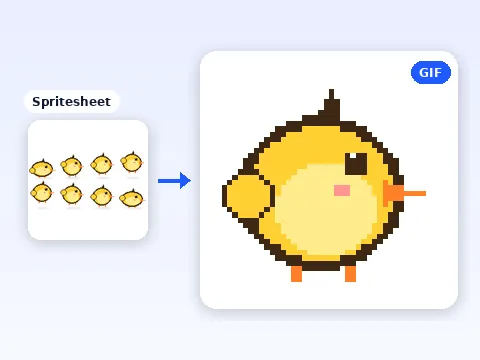
Spritesheet to GIF
Cut a sheet into frames, set 1 to 60 fps, download a GIF.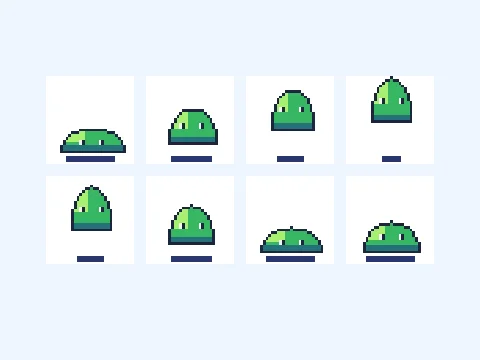
Reverse GIF
Reverse a GIF or make a back-and-forth loop.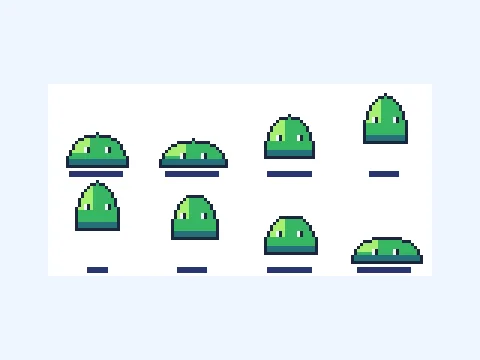
GIF to Spritesheet
Turn GIF frames into a PNG sheet and Sparrow-style XML.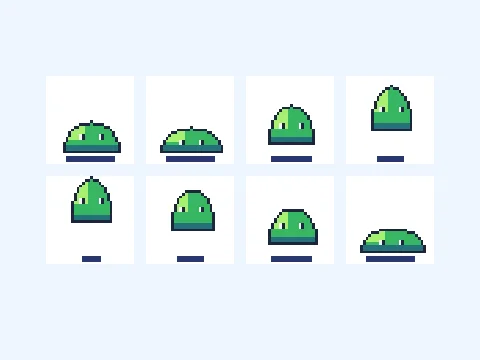
GIF Splitter
Extract up to 400 PNG frames and download one ZIP.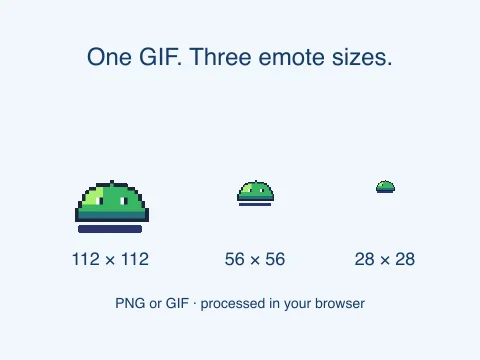
Twitch emote resizer
Resize one image or GIF to 112, 56 and 28 px; download a ZIP.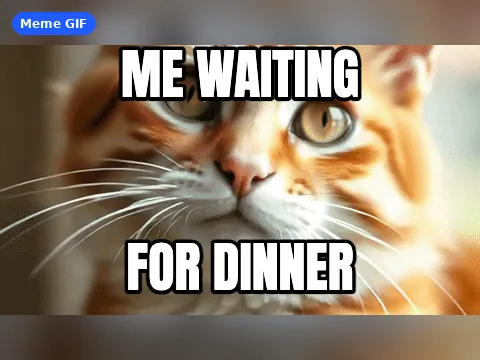
GIF meme generator
Top and bottom captions on every frame, up to 400 frames.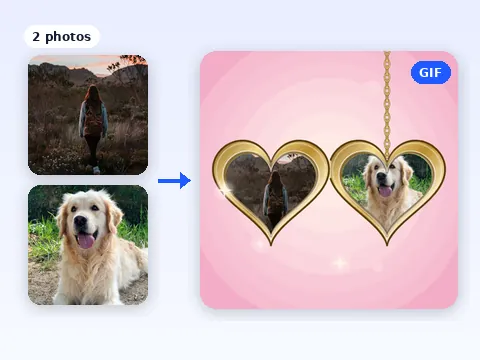
Heart opening GIF maker
Two photos in a heart locket that opens, 320 to 640 px.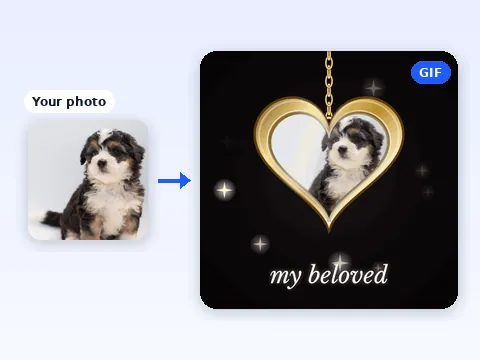
My beloved GIF maker
One photo in a heart locket with your caption, 4 motions.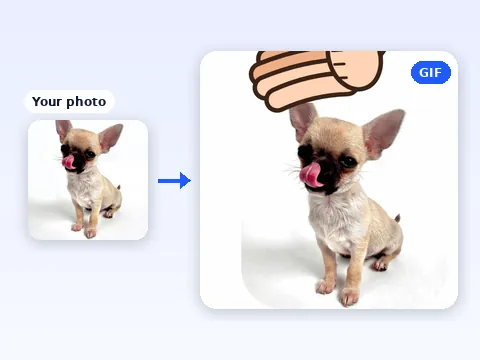
Head pat GIF maker
A cartoon hand pats your photo: 4 to 16 frames, 112 to 512 px.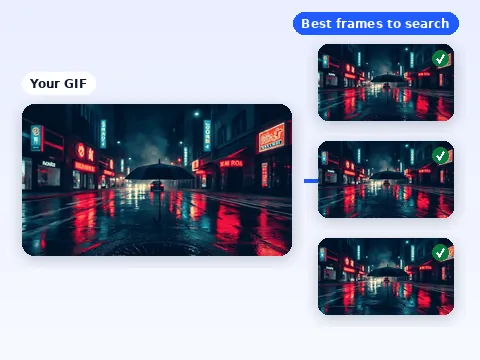
Find where a GIF comes from
Picks up to 6 sharp frames from a GIF to search for its source.Which GIF tool to use
| Tool | Input | Output | Price |
|---|---|---|---|
| GIF upscaler | GIF, up to 20 frames and 4 MiB | 2× or 4× animated GIF | Free |
| Spritesheet to GIF | Spritesheet: JPG, PNG, WebP or GIF | Animated GIF, transparent or flat | Free |
| Reverse GIF | One GIF, up to 20 MB and 400 frames | Reversed or ping-pong GIF | Free |
| GIF to Spritesheet | One GIF, up to 20 MB and 400 frames | PNG sprite sheet + XML timing | Free |
| GIF Splitter | One GIF, up to 20 MB and 400 frames | ZIP of numbered PNG frames | Free |
| Twitch emote resizer | One PNG, JPG, WebP or GIF, up to 20 MB | 3 square PNGs or GIFs, plus ZIP | Free |
| GIF meme generator | Animated GIF, or a JPG, PNG or WebP | Captioned GIF or PNG | Free |
| Heart opening GIF maker | Two photos, or a photo and words | Square locket GIF | Free |
| My beloved GIF maker | One photo and a caption | Square locket GIF | Free |
| Head pat GIF maker | An avatar or photo | Patting GIF, transparent or solid | Free |
| Find where a GIF comes from | GIF, MP4 or WebM | Up to 6 JPG or PNG frames, search links | Free |
Who these GIF tools are for
They are for quick, specific jobs that a general editor makes slow. Caption a reaction GIF for a group chat. Send a locket with two faces in it on an anniversary. Turn a friend’s avatar into a head pat emoji. Export a game sprite as a GIF for a devlog. Find the film or show a GIF was cut from.
If you start from still photos and just want them to play in order, use the photo to GIF makers instead. If you want one still photo to move in a new way, use the AI GIF maker.
What each tool accepts, with numbers
- Twitch emote resizer: one PNG, JPG, WebP or GIF up to 20 MB; three square 112, 56 and 28 px PNGs or GIFs, plus ZIP. GIF outputs have at most 60 frames and a measured 512 KB check; pad or center-crop.
- GIF upscaler: 20 frames and 4 MiB; free local 2×/4× or online 2× at 5–16 credits. Local input caps: 262,144 pixels at 2×, 65,536 at 4×; 16,000,000 output pixels total.
- GIF meme generator: an animated GIF of up to 400 frames, or a JPG, PNG or WebP, up to 20 MB. Every frame, frame delay and the loop setting are kept.
- Heart opening GIF maker: two photos, or one photo and engraved words, in a locket that swings open; square GIF at 320, 480 or 640 px, four finishes and three speeds.
- My beloved GIF maker: one photo and an editable caption in a heart locket, with four motions: turn around, slow zoom, sway or lid opens.
- Head pat GIF maker: 4 to 16 frames at 20 to 120 ms each, at 112, 128, 256 or 512 px, on a transparent or solid background.
- Spritesheet to GIF: a grid of 1 to 32 columns and rows, played at 1 to 60 fps; transparency is kept or flattened onto a color you pick.
- Reverse GIF, GIF to Spritesheet, and GIF Splitter: one GIF up to 20 MB, 400 frames, 4,096 px per side and 40 million decoded pixels. Reverse or ping-pong GIF; PNG sheet with XML; or individual PNG frames in a ZIP. Sprite sheets are capped at 8,192 px per side and 40 million pixels.
- Find where a GIF comes from: a GIF, MP4 or WebM up to 20 MB; it picks up to 6 sharp, different frames to save as JPG or PNG and opens reverse image searches.
Privacy, and what these tools do not do
Free decoding and encoding happen on your device. The free modes do not upload your files or keep copies. The optional online GIF upscale tier uploads the GIF for processing and retains its source for up to 24 hours and private result for up to 30 days. The source finder hands a frame you choose, or a public link you paste, to the search engine you click; nothing goes there until you click.
They do not host GIFs, do not add stock footage or music, and do not guarantee that a source search finds a match. Use photos you have the right to share.
GIF tools: questions
Are these GIF tools free?
Yes. All eleven GIF tools are free, need no account and add no watermark. AI animation, photo generation, online image enhancement and GIF upscaling use credits.
Are my files uploaded?
Free modes keep files in your browser. The optional paid GIF upscale tier uploads the GIF for processing. The source finder sends a frame or a link to a search engine only when you click that engine.
What is the largest file I can use?
20 MB for the meme generator, spritesheet tool and source finder. A GIF for captions can have up to 400 frames.
Can I make a GIF with a transparent background?
Yes, in two tools. Spritesheet to GIF keeps transparency from a PNG or WebP sheet, and the head pat maker can export on a transparent background.
Which tool makes a heart locket GIF?
Two of them. Heart opening GIF maker takes two photos in a locket that swings open; My beloved GIF maker takes one photo with a caption.
Will the source finder always find where a GIF came from?
No. It picks the clearest frames and opens reverse image searches, but a match depends on the clip being indexed. Try several frames and a quote search.