Heart opening GIF maker: two photos in a locket that opens
The heart opening GIF maker lets you add two photos, pick a gold, silver, rose gold or red locket, and watch it swing open in the preview. Then download a looping GIF made on your device.
Add a photo to each half, or try the samples.
Examples
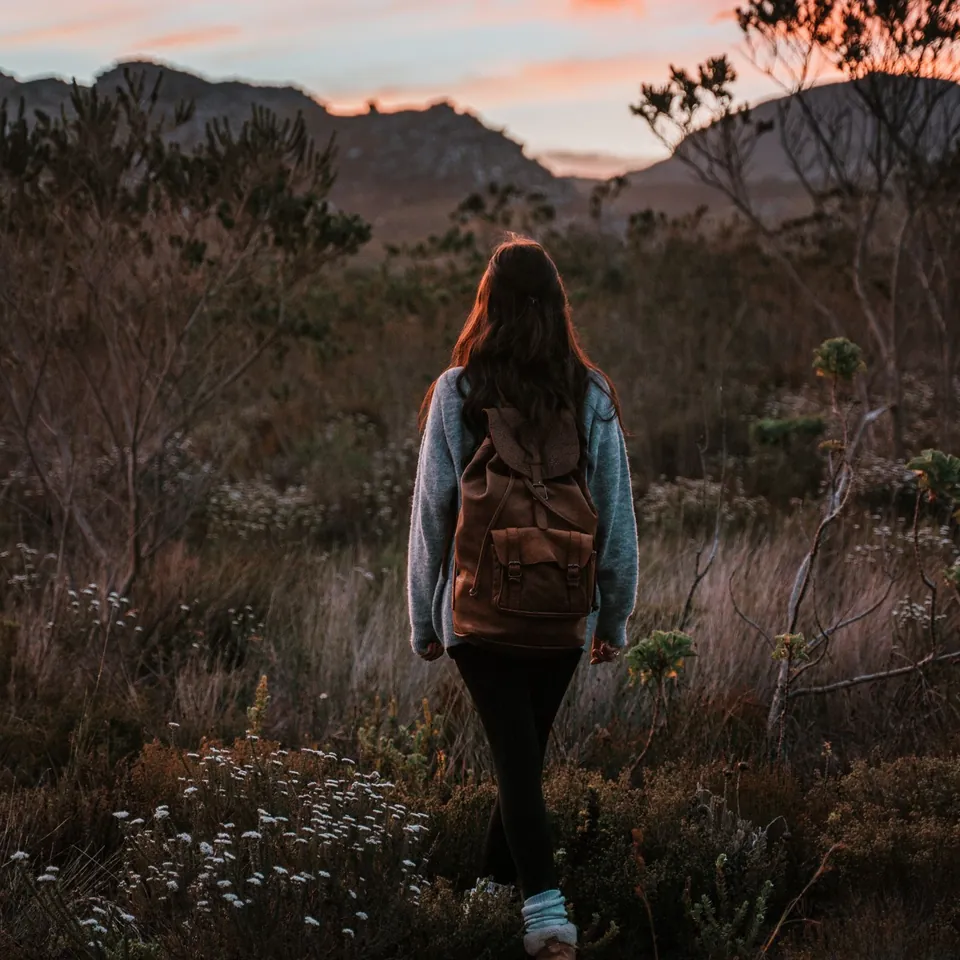
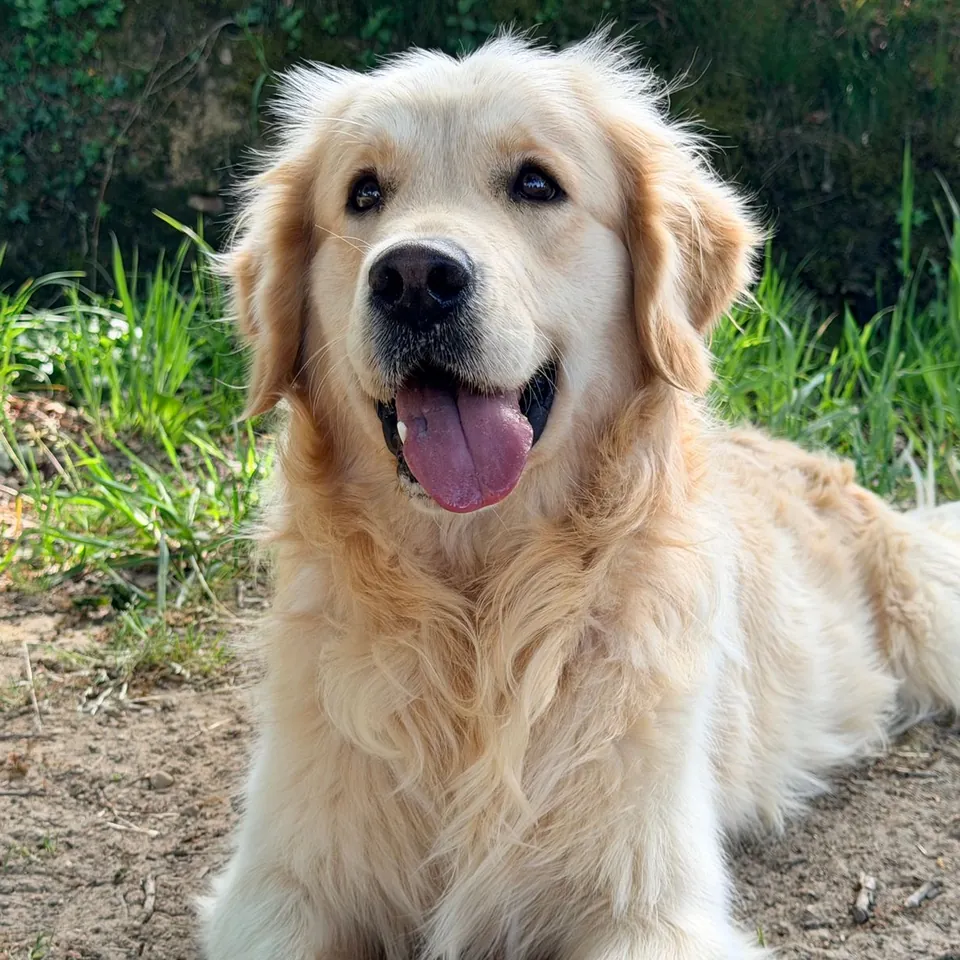
Heart opening GIF maker: make a loop in 4 steps
Add a photo to each half. JPG, PNG, WebP and GIF (first frame) work, up to 20 MB per photo. The left half can hold a few engraved words instead of a photo.
Fit each photo in its heart with the zoom (1× to 3×) and the left/right and up/down sliders. Faces look best a little above the middle.
Pick a finish (gold, silver, rose gold or red), a background, a speed and a loop style. Turn the chain and the sparkles on or off.
Choose 320, 480 or 640 px, press Make GIF, check the result and download it.
What this heart opening GIF maker makes
It draws a heart-shaped locket and animates it opening. The closed locket shows an engraved front. Then the lid swings open on its hinge and the two halves sit side by side: your first photo inside the lid on the left, your second photo in the base on the right. After a short hold the lid closes again, so the GIF loops without a jump in a chat or a story.
One loop is 45 frames. At normal speed each frame lasts 60 ms, so the loop runs 2.7 seconds. Slow uses 80 ms per frame (3.6 seconds) and fast uses 40 ms (1.8 seconds). The GIF is square, at 320, 480 or 640 px.
The locket, hinge, chain and sparkles are drawn by this page from shapes and gradients, not taken from a template. Your photos are placed inside it in this browser tab and are not uploaded to PhotoToGIF.
Finishes, backgrounds, speed and loop
Gold, silver and rose gold are polished metal with a darker rim and an engraved front. Red keeps the metal rim and adds a red enamel front. Backgrounds are blush pink, cream, midnight, black, red velvet, white, or any solid color you pick.
Open and close plays the whole cycle forever: closed for 6 frames, opening over 14, open for 16, then closing over 9. Open once, stay open plays a single time and stops on the open locket, holding the last frame for 2 seconds. Some chat apps loop every GIF anyway, so test it where you plan to post it.
Size changes the file more than anything else. 320 px gives the smallest file and suits messaging apps. 480 px is the default. 640 px keeps more detail in faces but makes the largest file; the result card shows the exact size before you download.
What a GIF can and cannot keep
GIF stores at most 256 colors per frame. This maker builds one shared palette for the whole loop so the background does not flicker from frame to frame, which means skin tones and soft light can show slight banding. A larger size helps a little.
There is no transparent background option. The metal edges are smooth, and GIF transparency is all or nothing for each pixel, so a cut-out locket would look jagged on most chat backgrounds. Pick the background closest to where the GIF will appear instead.
If you want one photo with a "my beloved" caption rather than two photos in an opening locket, use the my beloved GIF maker in the list below.
Where the opening heart locket meme came from
The 3D heart locket animation was available on MakeSweet in 2008. The meme format caught on much later: a “Bingus my beloved” version spread through a Discord community in October 2020, then appeared in GIF reposts and fan edits on Tenor and Tumblr. People use the opening to reveal a pet, person or character as an affectionate reaction.
How this heart opening GIF maker compares with general editors
A general GIF editor gives you more options for timing and effects. This page focuses on one composition: two photos revealed in an opening locket. It draws and encodes your photos in this browser, with no account, credits or watermark.
Privacy and photo rights
The photos are decoded, drawn and encoded on your device. PhotoToGIF does not receive, host or keep them, and there is no account to sign in to. Close the tab and the working copies are gone, so download the GIF if you want to keep it.
Use photos you took or have permission to use. If the GIF shows other people, ask them before you post it. Making the GIF does not give you any rights to a photo you did not already have.
More free GIF and photo tools
Heart opening GIF questions
Is the heart opening GIF maker free?
Yes. It is free, with no sign-up, no credits and no watermark. Add two photos, make the GIF and download it as many times as you like.
Are my photos uploaded to a server?
No. The photos stay in this browser tab. The locket frames are drawn and the GIF is encoded on your device, and the file downloads straight from the page.
Which photo formats and sizes can I use?
JPG, PNG, WebP and GIF, up to 20 MB per photo. An animated GIF uses its first frame. Large photos are scaled to 1,400 px on the long edge before drawing, which is more than the 640 px output needs.
Can I add words instead of a second photo?
Yes. Switch the left half to engraved words and type up to 40 characters, such as a name or a date. The words are set in a classic italic serif on the polished metal.
Can the GIF have a transparent background?
No. The locket always sits on a background, because GIF transparency has hard pixel edges that make the smooth metal look jagged. Choose a solid color that matches where you will post it.
How long is the animation?
It is 45 frames: 1.8 seconds at fast, 2.7 seconds at normal and 3.6 seconds at slow. Open once, stay open is 24 frames and ends on a 2-second hold.
Can I use the GIF commercially?
Yes, if you own the photos or have permission to use them commercially. The locket is drawn by this page; the rights to the photos inside it are your responsibility.
Why do the colors look slightly different from my photo?
Because a GIF can hold at most 256 colors in a frame. Smooth gradients and skin tones are reduced to the nearest of those colors, which can show as faint bands.